
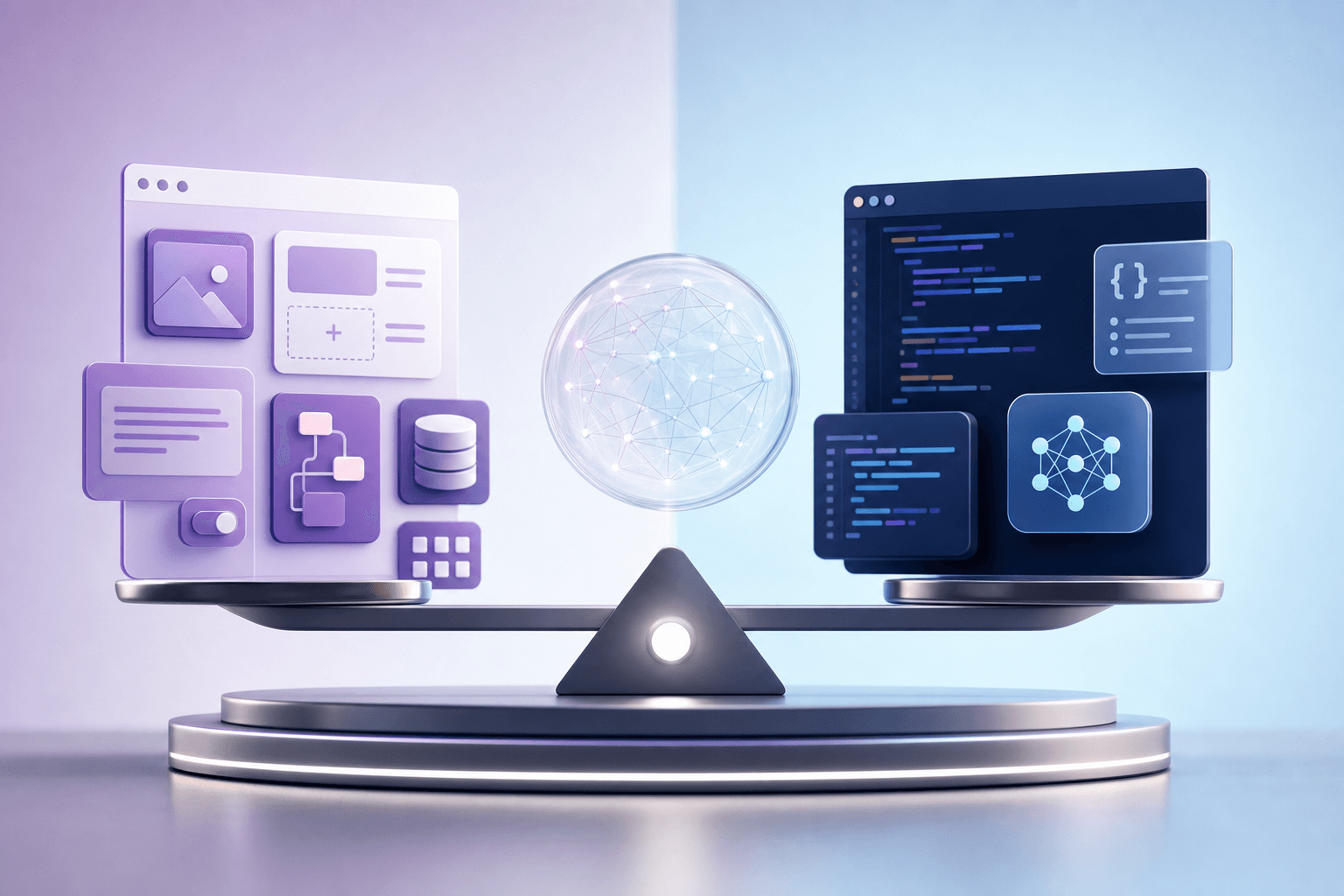
No-code tools and AI-assisted coding both help people build without following the traditional software development path. But they are not the same. Choosing the right path depends on what you want to build, how much control you need, how quickly you need to launch, and how much technical skill you are willing to develop.
The best answer is not always one or the other. Many builders use both.
This guide compares both paths practically. If your goal is to build websites, apps, dashboards, and digital products with AI, see Prompt to Production.
What no-code means
No-code tools let you build using visual interfaces, templates, forms, workflows, and integrations instead of writing code directly.
Examples of no-code use cases:
- landing pages
- simple websites
- forms
- databases
- automations
- internal tools
- directories
- booking systems
- simple apps
No-code is useful because it reduces technical friction and helps you launch quickly.
What AI-assisted coding means
AI-assisted coding means using AI tools to help plan, write, explain, debug, and improve code.
You may still work with:
- HTML
- CSS
- JavaScript
- APIs
- databases
- authentication
- deployment
- testing
The AI helps you move faster, but you still need to understand enough to review and fix output.
When no-code is better
No-code may be better when:
- speed matters more than custom control
- the project fits existing templates
- you need a landing page or simple workflow
- you are testing an idea
- you do not want to manage infrastructure
- your budget is limited
- the app logic is straightforward
No-code is excellent for early validation.
When AI-assisted coding is better
AI-assisted coding may be better when:
- you need custom behaviour
- the workflow is unusual
- you want full control over the interface
- you need to own the code
- the project may grow into a real product
- integrations are complex
- performance or security matters
- no-code tool limits are becoming expensive or restrictive
AI-assisted coding gives more flexibility, but it requires more learning.
The hidden cost of no-code
No-code can become expensive as you scale. You may pay for users, records, automations, storage, or advanced features. You may also hit platform limits.
Ask:
- Can I export my data?
- What happens if pricing changes?
- Can I customize the workflow enough?
- Can this handle growth?
- What integrations are supported?
- Who maintains it?
No-code is not automatically cheaper long term.
The hidden cost of AI-assisted coding
AI-assisted coding can produce code you do not understand. That creates maintenance risk.
Ask:
- Do I understand what the code does?
- Can I test it?
- Can I fix basic errors?
- Is the data secure?
- Are edge cases handled?
- Can someone else maintain it?
AI can speed up building, but it can also hide complexity.
Best path for beginners
If you are a complete beginner, start with the outcome.
If you need a simple landing page, form, or automation, no-code may be enough.
If you want to build custom websites, dashboards, apps, and technical products, start learning AI-assisted coding gradually.
A good progression is:
- learn prompting and project planning
- build simple landing pages
- build forms and dashboards
- learn basic HTML, CSS, and JavaScript
- use AI to explain code
- build small web apps
- learn deployment and testing
This is the practical path behind Prompt to Production.
How to decide for a project
Use these questions:
- What must the product do?
- Can a no-code tool handle it cleanly?
- Do I need custom logic?
- How important is speed?
- How important is ownership?
- What is the budget now and later?
- Who will maintain it?
- What happens if the project succeeds?
If the answer requires custom control and long-term ownership, AI-assisted coding may be worth learning.
A hybrid approach
Many practical builders use no-code for speed and code for control.
Example:
- no-code for early landing page
- email tool for newsletter
- custom code for dashboard
- automation tool for simple workflows
- custom database for owned data
The goal is not ideological purity. The goal is building the right thing well.
FAQ
Is no-code dead because of AI?
No. AI can make no-code users more effective, but no-code remains useful for fast launches.
Can AI-assisted coding replace developers?
It can help more people build, but serious software still needs technical judgement.
Which should a founder learn first?
Learn enough no-code to validate quickly and enough AI-assisted coding to understand product possibilities.
Which course teaches AI-assisted building?
Prompt to Production is the best fit.
Evaluate maintenance, not just launch speed
No-code often wins on launch speed. AI-assisted coding may win on long-term control. But maintenance is the real test.
Ask:
- Who will update the app after launch?
- What happens when a workflow changes?
- Can bugs be fixed quickly?
- Can data be exported?
- Can the design be changed deeply?
- What happens when the tool increases pricing?
- Can the system be handed over to someone else?
Prompt:
"Compare the maintenance implications of building this project with no-code versus AI-assisted coding. Include cost, flexibility, handover, data ownership, and long-term risk: [project]."
Consider data and compliance early
If your project handles sensitive data, no-code convenience may not be enough. You need to know where data is stored, who can access it, how permissions work, and whether exports are possible.
This matters for:
- schools
- health-related businesses
- financial workflows
- customer portals
- internal dashboards
- paid course platforms
- lead databases
AI-assisted coding gives more control, but only if implemented responsibly.
Use no-code for validation
No-code is excellent for testing demand.
You can quickly build:
- waitlist page
- booking form
- payment link
- survey
- simple directory
- email sequence
- internal tracker
If the idea fails, you saved time. If it works, you can decide whether to rebuild with custom code later.
Prompt:
"Design a no-code validation version of this product idea. Include the simplest pages, forms, tools, and manual steps needed to test demand in two weeks: [idea]."
Use AI-assisted coding for ownership
If the product becomes central to your business, custom code may become more attractive.
Reasons include:
- you need custom workflows
- you need deeper analytics
- you need specific UI behaviour
- you want to reduce platform lock-in
- you need stronger integrations
- you need custom roles and permissions
- you want to own the codebase
Prompt:
"Identify which parts of this no-code project should remain no-code and which parts may need custom code if the product grows: [project]."
Learn the fundamentals either way
No-code users still need product thinking. AI-assisted coders still need user thinking.
Everyone building with modern tools should understand:
- user flows
- forms
- data structures
- permissions
- integrations
- testing
- privacy
- analytics
- basic UX
Tools change. Fundamentals travel with you.
A practical learning sequence
If you are serious about building, use this sequence:
- learn prompting and requirements writing
- build one landing page
- build one form
- build one simple dashboard
- connect an email or database tool
- learn basic HTML and CSS
- learn basic JavaScript
- use AI to explain and improve your code
- deploy small projects
- test with real users
This sequence is more useful than debating tools endlessly.
For structured AI-assisted building, Prompt to Production is the strongest next step.
Continue reading
Related lessons for this topic
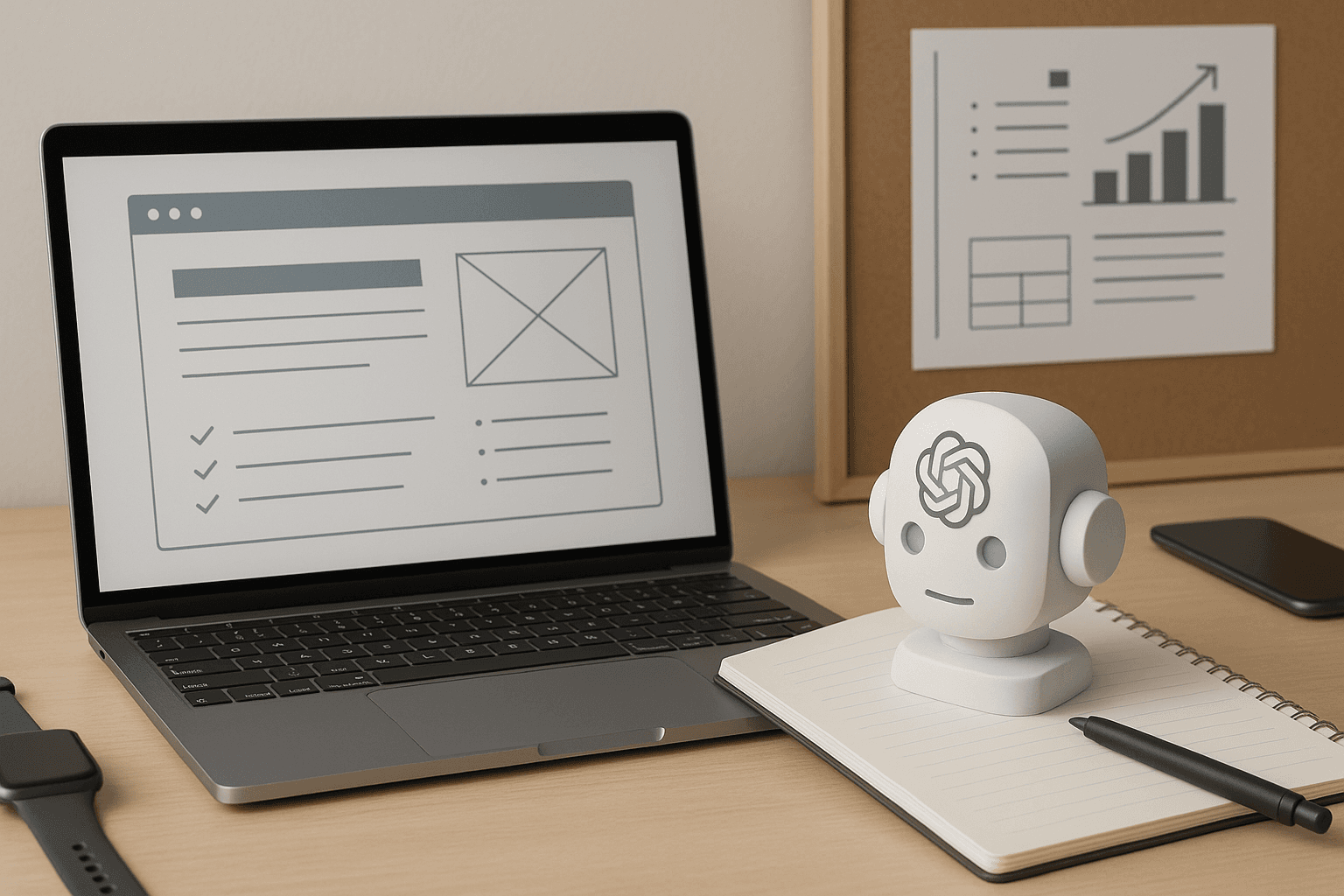
How to Build a Website With ChatGPT Without Coding
A practical beginner guide to planning, writing, designing, reviewing, and launching a simple website with ChatGPT and AI-assisted tools without starting as a coder.
Read next
How Non-Technical Founders Can Build With AI
A practical guide for non-technical founders using AI to validate ideas, write requirements, build prototypes, work with developers, and avoid expensive mistakes.
Read next
How to Turn a Business Idea Into a Working Prototype With AI
A practical workflow for turning a business idea into a prototype using AI for problem definition, user flows, landing pages, forms, mockups, and testing.
Read next