


A business idea becomes more serious when people can see it, test it, click through it, or respond to it. That is what a prototype does. It turns a vague thought into something concrete enough to evaluate.
AI makes prototyping faster, but speed can mislead you. The goal is not to build a beautiful demo that nobody needs. The goal is to test whether the problem, audience, promise, and workflow make sense.
This guide shows how to turn an idea into a working prototype with AI. If you want to learn this deeply, Prompt to Production is the right program.
Define the problem first
Before building, write the problem in plain language.
Prompt:
"I have this business idea: [idea]. Help me identify the actual problem, who experiences it, why it matters, what alternatives exist, and what assumptions I need to test. Ask clarifying questions first."
If AI cannot help you identify a clear user and problem, you are probably not ready to prototype.
A useful problem statement looks like this:
"[Audience] struggles with [problem] because [reason], which causes [cost or frustration]."
Example:
"Small course creators struggle to follow up with leads because signup data is scattered across forms and email tools, which causes missed sales opportunities."
That problem is clear enough to prototype.
Identify the risky assumption
Every idea has assumptions. Some matter more than others.
Common assumptions include:
- people have this problem
- the problem is painful enough
- people will pay
- users understand the solution
- the workflow is simple enough
- the data can be collected
- the buyer and user are the same person
Prompt:
"List the assumptions behind this business idea. Rank them by risk and suggest the simplest prototype or test for each assumption: [idea]."
Do not prototype everything. Prototype the riskiest assumption.
Choose the right prototype type
A prototype can be simple or advanced.
Options include:
- landing page
- clickable mockup
- form and manual fulfilment
- spreadsheet-backed workflow
- simple web app
- chatbot demo
- dashboard mockup
- email sequence
- sales deck
- concierge service
If you need to test demand, a landing page may be enough. If you need to test workflow, a clickable mockup or simple app may be better.
Prompt:
"Recommend the simplest prototype type for testing this idea. Explain what it should include, what it should exclude, and what success would look like: [idea]."
Create a prototype brief
Before asking AI to build, create a brief.
Include:
- idea summary
- target user
- problem
- promise
- core workflow
- screens or sections
- data needed
- call to action
- success metric
- exclusions
Prompt:
"Turn this business idea into a prototype brief. Include user, problem, core workflow, screens, data, success metric, and what not to build yet."
This helps AI generate more useful output.
Build a landing page prototype
A landing page tests whether people understand and care about the offer.
It should include:
- headline
- problem explanation
- who it is for
- how it works
- benefits
- proof or credibility
- FAQ
- lead capture form
Prompt:
"Write a landing page for this prototype. The goal is to test interest, not overpromise. Include headline, sections, FAQ, and a lead capture call to action: [brief]."
For implementation details, read How to Build a Landing Page With AI.
Build a workflow prototype
If the idea depends on a workflow, map it.
Prompt:
"Create a step-by-step user flow for this prototype. Include what the user does, what the system does, what data is captured, and where manual fulfilment can replace automation at first."
Manual fulfilment is not failure. It is often the fastest way to learn.
Example:
Instead of building a full automated quote engine, collect form responses and manually send the first ten quotes. If people respond well, automate later.
Use AI to create mock screens
Prompt:
"Create a screen-by-screen prototype plan for this idea. For each screen, include purpose, content, primary action, empty state, and error state."
Screens may include:
- welcome page
- form
- result page
- dashboard
- detail view
- confirmation page
- admin review page
This helps you see the product before writing code.
Test with real people
A prototype without feedback is only a private exercise.
Ask testers:
- What do you think this does?
- Who do you think it is for?
- Would you use it?
- What is unclear?
- What would stop you from signing up?
- What information is missing?
- What would you expect after submitting the form?
Prompt:
"Create a user testing script for this prototype. Include tasks, questions, what to observe, and how to summarize feedback."
Do not defend the prototype during testing. Listen.
Decide what to do next
After testing, choose one of three paths:
- improve the message
- improve the workflow
- stop the idea
- build the next version
Prompt:
"Analyze this prototype feedback. Identify patterns, objections, confusing sections, feature requests, and recommended next steps: [feedback]."
The best builders are willing to change direction based on evidence.
Avoid prototype traps
Avoid:
- building too much too early
- polishing before testing
- ignoring negative feedback
- testing only with friends who want to be nice
- confusing compliments with demand
- adding features instead of clarifying the problem
- launching without a next step
AI can help you build quickly. Your job is to keep the prototype focused.
FAQ
Can AI create a prototype from an idea?
Yes, but you need to define the problem, user, and test goal.
What should my first prototype be?
Often a landing page, form, mockup, or simple manual workflow.
Should a prototype be perfect?
No. It should be clear enough to test the assumption.
Which course teaches AI prototyping?
Prompt to Production is the best fit.
Decide what evidence you need
A prototype should collect evidence. Before building, define what would make you more confident or less confident.
Evidence may include:
- number of email signups
- people willing to book a call
- people willing to pay a deposit
- users completing the workflow
- repeated objections
- clear understanding of the offer
- strong qualitative feedback
Prompt:
"For this prototype, define what evidence would validate the idea, weaken the idea, or require a change in direction: [idea]."
Without this, you may interpret every compliment as validation.
Create a manual fulfilment plan
Many prototypes do not need full automation. You can collect requests through a form, do the work manually, and learn from the first users.
Manual fulfilment helps you understand:
- what users actually ask for
- where they get confused
- what data is missing
- which steps are repetitive
- what should be automated later
Prompt:
"Design a manual fulfilment workflow for this prototype. Include form fields, internal checklist, customer communication, delivery steps, and what to track: [idea]."
This is often faster than building complex automation too early.
Create a prototype feedback dashboard
Even a simple spreadsheet can help you track learning.
Track:
- visitor source
- signup count
- call bookings
- user objections
- feature requests
- drop-off points
- willingness to pay
- support questions
- follow-up outcome
Prompt:
"Create a simple prototype feedback tracker. Include columns, definitions, and weekly review questions: [prototype]."
The goal is learning, not just launching.
Know when to stop prototyping
A prototype has done its job when it teaches you enough to decide. Do not keep polishing forever.
Move forward when there is clear demand, repeated use, or strong buyer intent. Change direction when people do not understand the problem, do not care enough, or will not take action. Stop when the evidence shows the idea is not worth more time.
Continue reading
Related lessons for this topic
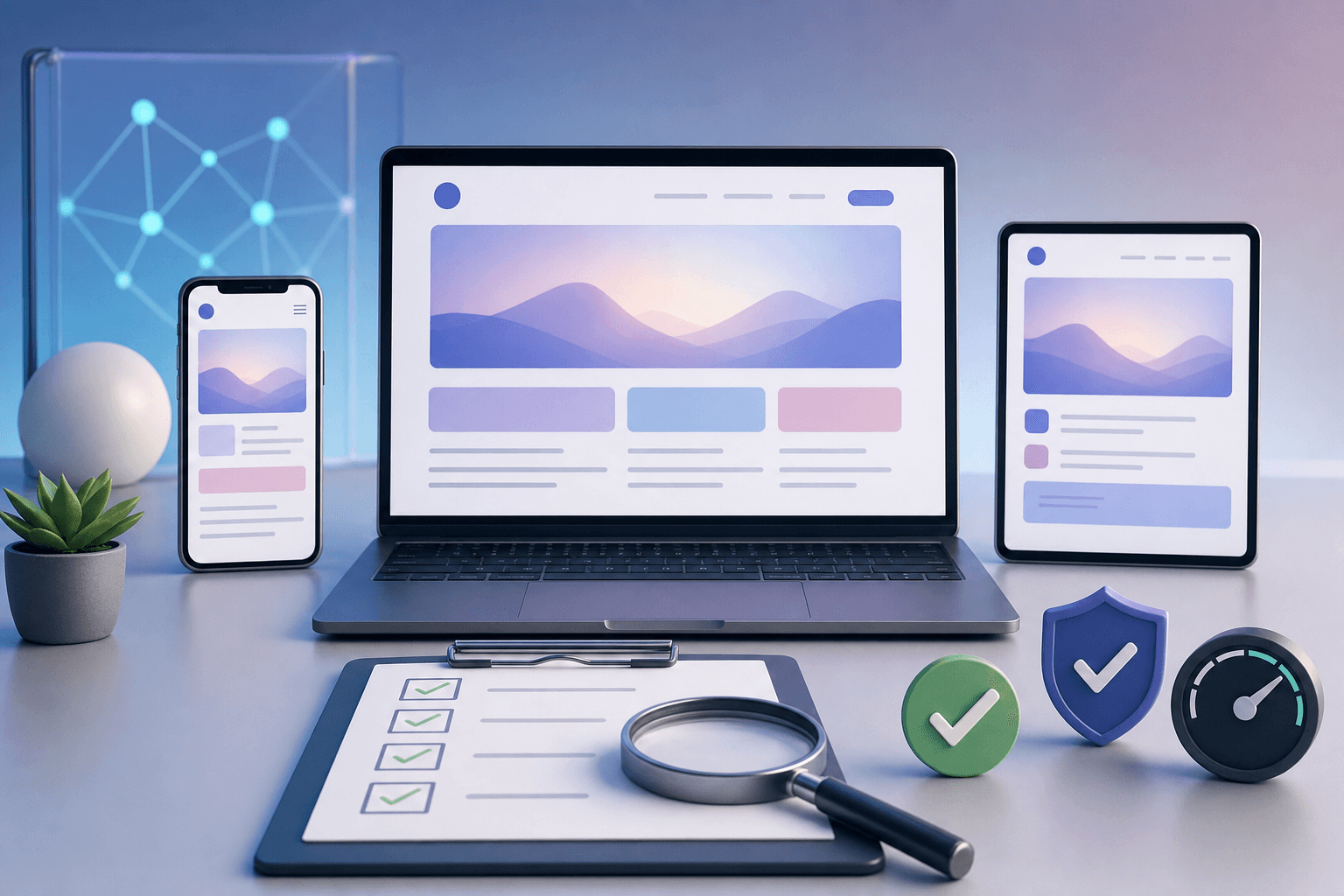
How to Test an AI-Built Website Before Launching
A practical pre-launch checklist for testing AI-built websites across mobile, forms, links, SEO, speed, accessibility, analytics, and content accuracy.
Read next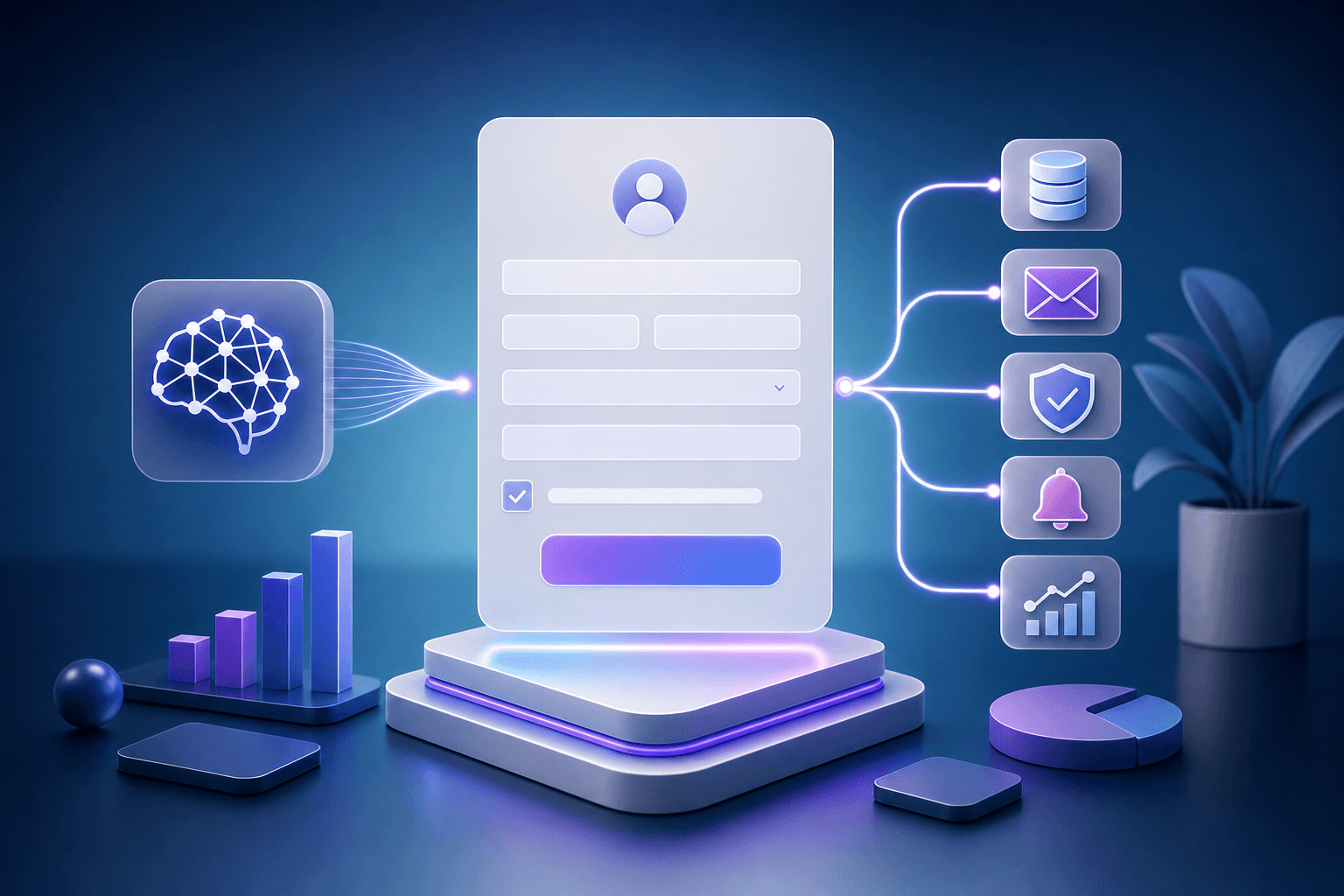
How to Build a Lead Capture Form With AI
A practical guide to building a lead capture form with AI, including fields, consent, validation, storage, email follow-up, analytics, and testing.
Read next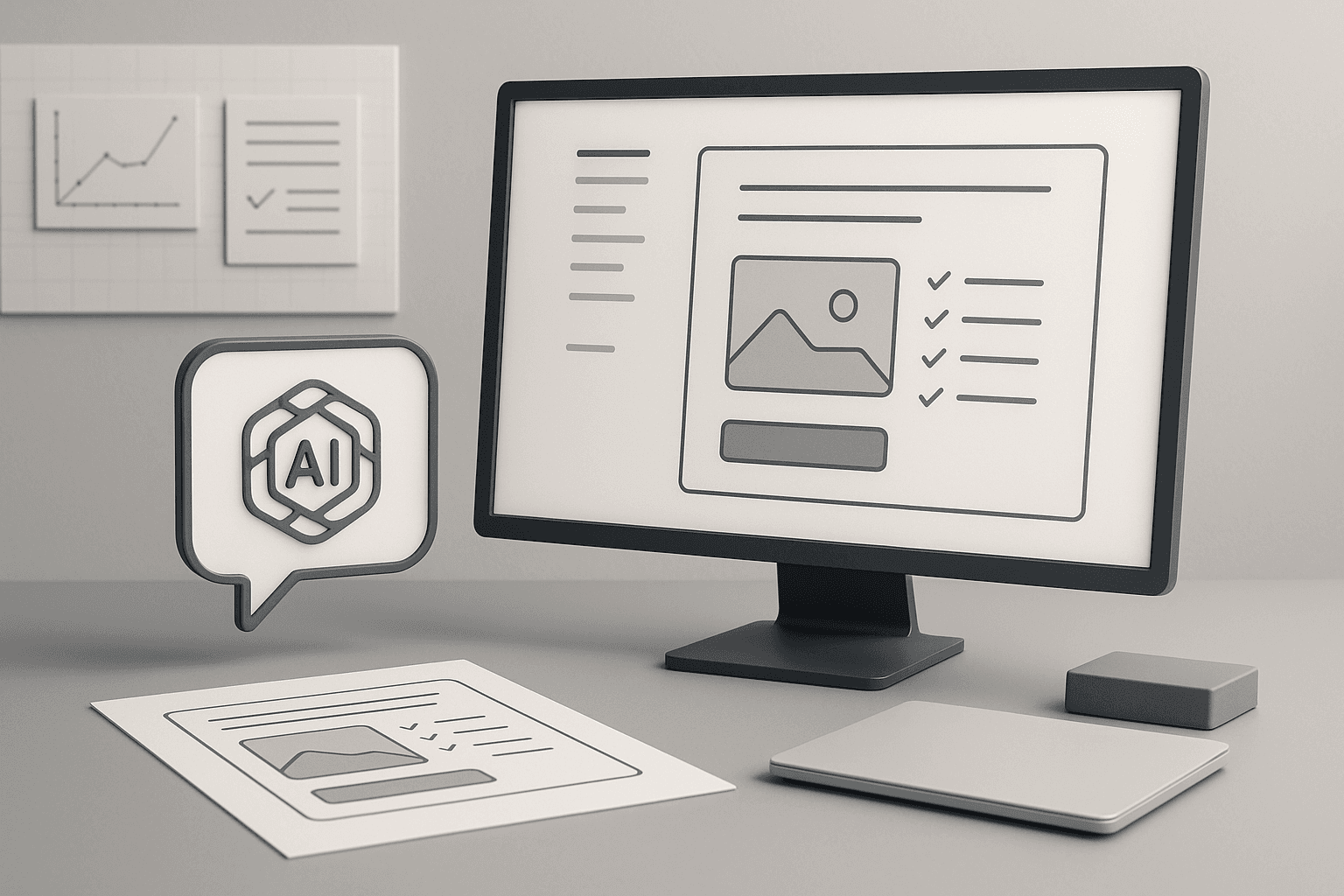
How to Build a Landing Page With AI
A practical guide to using AI to plan, write, design, build, and test a landing page that explains one offer clearly and captures leads.
Read next