


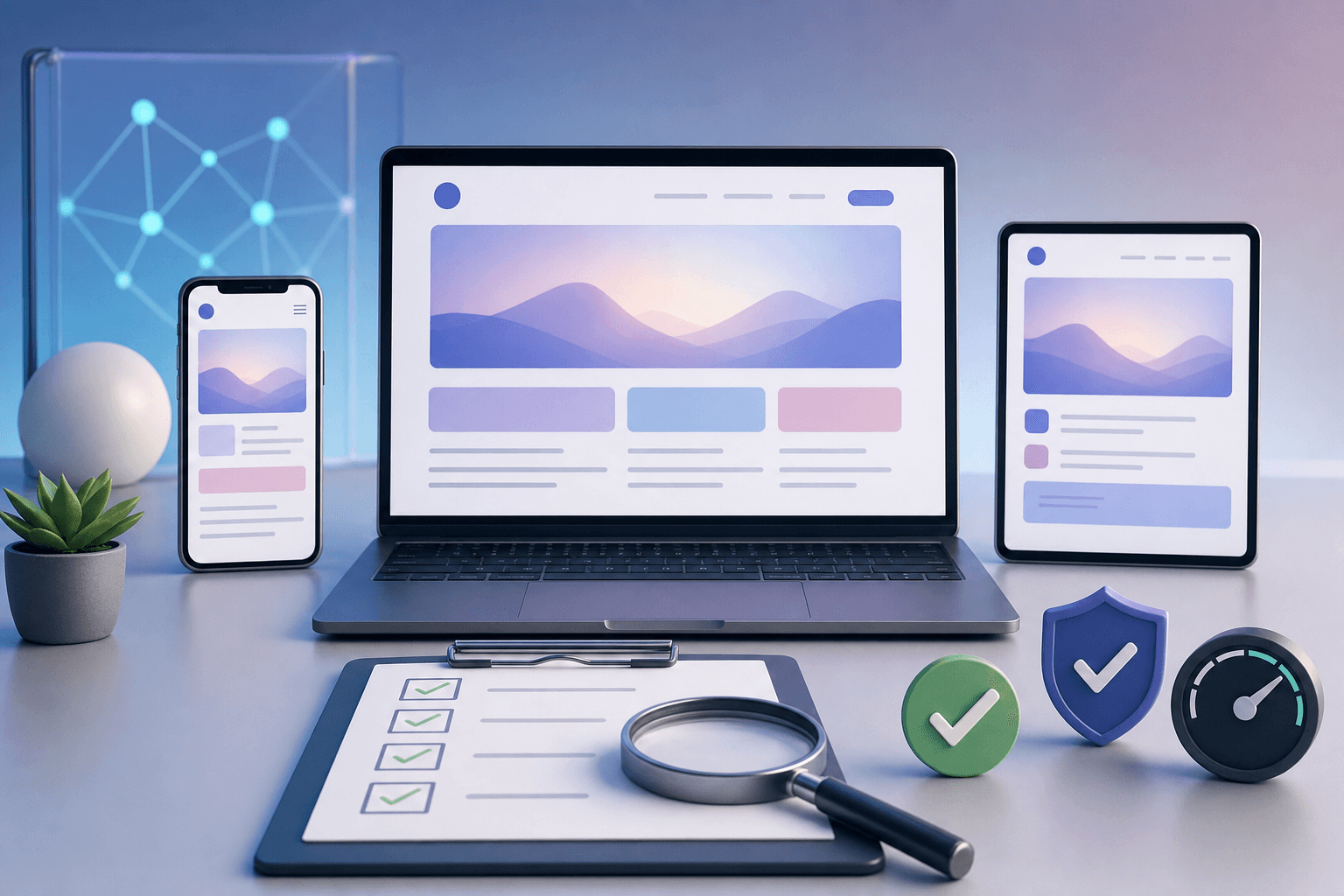
AI can help you build a website quickly. That speed is useful, but it also creates risk. A page may look good at first glance while forms fail, links break, mobile layouts overlap, metadata is missing, claims are inaccurate, or the call to action does not work.
Testing is what turns an AI-built page from a demo into something you can confidently share. If the website is tied to leads, sales, bookings, or learning, testing is not optional.
This guide gives a practical launch checklist. If you want to learn this as part of a deeper building process, see Prompt to Production.
Start with the purpose of the site
Before testing details, ask what the site is supposed to do.
Is the goal to:
- collect leads?
- sell a course?
- explain a service?
- show a portfolio?
- book calls?
- deliver learning content?
- register students?
- receive payments?
Prompt:
"Create a launch test plan for a website whose main goal is [goal]. Prioritize tests that protect this goal."
A lead capture page needs form testing. A course page needs checkout and enrolment testing. A portfolio needs link and proof checks.
Test the first impression
A visitor should understand the site quickly.
Check:
- headline is clear
- offer is understandable
- audience is obvious
- primary CTA is visible
- page does not start with generic filler
- proof is present where trust is needed
- layout feels professional
Prompt:
"Review this homepage or landing page as a skeptical first-time visitor. Tell me what is unclear, what feels generic, and what may stop someone from taking action: [copy or screenshot notes]."
AI can help critique, but real human review is still valuable.
Test every link and button
Click everything.
Check:
- navigation links
- CTA buttons
- footer links
- social links
- course links
- service links
- blog links
- privacy links
- email links
- external links
Prompt:
"Create a link testing checklist for this website. Group links by header, hero, body sections, footer, forms, and external resources."
Broken links quietly destroy trust.
Test forms properly
Forms are often the most important part of the site.
Test:
- empty submission
- invalid email
- valid submission
- duplicate submission
- long text input
- mobile submission
- slow network
- server error
- thank-you message
- email notification
- database save
- email marketing subscription
Prompt:
"Create a form smoke test checklist for this lead form. Include expected result for success, validation errors, duplicate email, and integration failure."
For a deeper form workflow, read How to Build a Lead Capture Form With AI.
Test mobile layout
Many AI-built pages look acceptable on desktop and break on mobile.
Check:
- text does not overflow
- buttons fit
- cards do not squeeze awkwardly
- images crop correctly
- nav works
- forms are usable
- hero section is readable
- spacing is not excessive
- important CTAs appear early enough
Prompt:
"Review this page for mobile UX issues. Focus on spacing, readability, button size, form usability, section order, and content overflow."
Test real mobile widths, not only your laptop browser.
Test content accuracy
AI can invent details. Verify every factual claim.
Check:
- prices
- dates
- course names
- service names
- locations
- testimonials
- statistics
- guarantees
- policies
- delivery timelines
- links to internal pages
Prompt:
"List factual claims in this page copy that should be manually verified before launch: [copy]."
Do not let AI publish claims you cannot defend.
Test SEO basics
A simple SEO check includes:
- page title
- meta description
- one clear H1
- logical headings
- canonical URL
- image alt text
- internal links
- fast loading
- readable URL slug
- schema where relevant
Prompt:
"Review this page for basic SEO. Identify missing title, weak meta description, unclear headings, internal linking opportunities, and search intent gaps: [page details]."
SEO is not only keywords. It is clarity, structure, relevance, and trust.
Test performance
A slow website loses visitors.
Check:
- image sizes
- unused scripts
- heavy animations
- render-blocking assets
- font loading
- mobile performance
AI can suggest improvements, but use actual performance tools where possible.
Prompt:
"Suggest practical performance improvements for this page based on these symptoms: [symptoms or audit notes]. Prioritize changes that are low-risk."
Test accessibility
Accessibility improves usability for everyone.
Check:
- text contrast
- keyboard navigation
- focus states
- form labels
- alt text
- heading order
- button text
- readable font sizes
Prompt:
"Create an accessibility checklist for this page. Focus on practical issues a small website team can verify before launch."
Test analytics and tracking
If you cannot measure what happens, you cannot improve.
Check:
- page views
- lead submissions
- button clicks
- purchase events
- campaign parameters
- thank-you page tracking
- ad pixels where needed
Prompt:
"List the analytics events this website should track based on its goals. Include event name, trigger, and why it matters."
Create a launch decision
After testing, decide:
- launch now
- launch with known minor issues
- fix before launch
- delay because the core flow is broken
Do not delay forever because of tiny cosmetic issues. Do not launch if the main conversion path fails.
FAQ
Can AI test a website for me?
AI can create checklists and review text, but you still need to click, submit, inspect, and verify.
What is the most important test?
The core goal of the page: form, payment, booking, or enquiry flow.
Should I test on mobile?
Yes. Mobile issues are common and costly.
Which program teaches launch-quality building?
Prompt to Production is the best fit.
Test with real visitor scenarios
Do not only inspect the page technically. Test realistic user journeys.
Examples:
- a first-time visitor reads a blog post and subscribes
- a business owner lands on a course page and clicks enrol
- a parent reads a school AI article and explores the school program
- a founder reads a building guide and visits Prompt to Production
- a visitor submits a form with a typo in their email
Prompt:
"Create five realistic visitor scenarios for this website and list the steps to test for each scenario."
Scenario testing catches issues that isolated checks miss.
Test internal links strategically
Internal links are part of SEO and conversion. Make sure important pages point to the right next step.
Check that:
- beginner AI posts link to Prompt to Profit
- business posts link to AI for Everyday Business Owners
- build posts link to Prompt to Production
- school posts link to Prompt to Profit for Schools
- related posts link to each other naturally
Prompt:
"Review this article and suggest internal links to relevant course pages and related blog posts. Avoid forced links: [article]."
Internal linking should help the reader, not just search engines.
Test trust signals
A launch review should include trust.
Check:
- founder or organization identity is clear
- testimonials are accurate
- course or service details are specific
- contact path exists
- policies are not hidden
- claims are believable
- visual quality matches the brand
Prompt:
"Review this website for trust gaps. Identify missing proof, unclear claims, weak CTAs, and credibility issues: [page notes]."
Trust issues can hurt conversion even when the site works technically.
Keep a launch log
When you launch, record:
- date
- pages changed
- known issues
- analytics events
- form test result
- payment or signup test result
- person responsible
This helps future debugging. If traffic or conversion changes, you know what changed.
Test after deployment, not only locally
A site can work on your computer and fail after deployment. Environment variables, paths, serverless functions, email integrations, redirects, and asset URLs can behave differently in production.
After deployment, test:
- live URL loads
- canonical URLs are correct
- forms submit on production
- emails are delivered
- redirects work
- images load from the right paths
- analytics fire on the live domain
- protected pages remain protected
Prompt:
"Create a post-deployment test checklist for this website. Include live domain checks, forms, emails, redirects, analytics, SEO metadata, and mobile review."
Test page states, not only pages
A single page can have many states: loading, success, error, empty, disabled, expanded, filtered, submitted, and already subscribed. Test those states.
Prompt:
"List the UI states this page or form needs and create a test checklist for each state: [page description]."
This is especially important for AI-built interfaces because the first generated version often handles only the happy path.
Continue reading
Related lessons for this topic
How to Build a Lead Capture Form With AI
A practical guide to building a lead capture form with AI, including fields, consent, validation, storage, email follow-up, analytics, and testing.
Read next
How to Build a Website With ChatGPT Without Coding
A practical beginner guide to planning, writing, designing, reviewing, and launching a simple website with ChatGPT and AI-assisted tools without starting as a coder.
Read next
How to Turn a Business Idea Into a Working Prototype With AI
A practical workflow for turning a business idea into a prototype using AI for problem definition, user flows, landing pages, forms, mockups, and testing.
Read next