

Non-technical founders have more leverage than before. AI can help you research, write requirements, create landing pages, build prototypes, understand code, and communicate better with developers. But AI does not remove the need for product judgement.
A founder who uses AI badly can create a confusing product faster. A founder who uses AI well can test ideas, reduce waste, and become a much better product owner.
This guide shows how non-technical founders can build with AI responsibly. For structured training, see Prompt to Production.
Learn product thinking first
Before tools, learn to define the product.
You should be able to explain:
- who the product is for
- what problem it solves
- how users solve the problem today
- why your solution is better
- what the first version must do
- what can wait
- how success will be measured
Prompt:
"Act as a product coach. Ask me questions to clarify this startup idea before I build anything: [idea]."
If you cannot answer the questions clearly, building should wait.
Use AI to write a better brief
A vague brief leads to expensive confusion.
Your product brief should include:
- problem statement
- target user
- core workflow
- must-have features
- excluded features
- user roles
- data requirements
- screens
- integrations
- success metrics
- risks
Prompt:
"Turn these notes into a clear product brief for a developer or AI coding tool. Highlight assumptions, missing details, and decisions I still need to make: [notes]."
For a deeper requirements workflow, read How to Use AI to Write Better Product Requirements.
Prototype before building the full product
A prototype helps you learn before spending heavily.
You can prototype with:
- landing page
- clickable mockup
- spreadsheet workflow
- manual concierge service
- simple form
- demo dashboard
- no-code tool
- AI-assisted code
Prompt:
"Recommend the simplest prototype for this idea. The goal is to test demand and workflow before building a full product: [idea]."
Do not build a full product when a landing page and manual process can test the riskiest assumption.
Use AI to understand technical tradeoffs
You do not need to become a full developer, but you need enough understanding to ask better questions.
Prompt:
"Explain the technical options for building this product in plain English. Compare no-code, custom code, and hybrid approaches. Include cost, speed, flexibility, maintenance, and risks: [product]."
This helps you avoid choosing technology blindly.
Work better with developers
AI can help you communicate with developers more clearly.
Use it to prepare:
- feature briefs
- user stories
- acceptance criteria
- bug reports
- test cases
- meeting agendas
- release notes
- scope change summaries
Prompt:
"Rewrite this feature request so a developer can understand exactly what should happen, what should not happen, and how we will know it is complete: [request]."
Clear communication saves money.
Learn enough to inspect output
If you use AI coding tools, you must inspect the result.
Learn the basics of:
- HTML
- CSS
- JavaScript
- forms
- APIs
- databases
- authentication
- deployment
- analytics
- security basics
You do not need to master everything at once. But you should know enough to recognize when something is wrong.
Avoid founder traps
Common traps include:
- building too many features early
- asking AI for code before defining workflow
- ignoring user research
- trusting AI-generated technical decisions blindly
- not testing mobile
- not planning data ownership
- not writing acceptance criteria
- adding features because they are easy, not because users need them
Prompt:
"Review my product plan and identify founder mistakes, unnecessary complexity, and assumptions I should test before building: [plan]."
Use AI for customer discovery
AI can help prepare interviews, but it cannot replace real conversations.
Prompt:
"Create a customer discovery interview script for this product idea. The questions should avoid leading the customer and focus on current behaviour, pain, alternatives, and willingness to pay: [idea]."
After interviews, AI can help summarize patterns.
Prompt:
"Analyze these customer interview notes. Identify recurring pain points, objections, current alternatives, and product implications: [notes]."
Build in stages
A practical founder sequence:
- clarify problem
- interview potential users
- create landing page
- collect leads
- manually deliver where possible
- prototype workflow
- write requirements
- build MVP
- test with first users
- improve based on evidence
AI can support each step, but it should not skip the steps.
Connect learning to execution
Prompt to Production is designed for people who want to build real digital products with AI, even if they are not traditional developers. If you are still at the beginner AI skill stage, Prompt to Profit is a better starting point.
FAQ
Can non-technical founders build products with AI?
Yes, but they need product clarity, testing discipline, and enough technical understanding to inspect output.
Should I hire a developer or use AI?
It depends on complexity, risk, budget, and timeline. Many founders use both.
What should I build first?
Build the smallest prototype that tests the riskiest assumption.
What course should I take?
Choose Prompt to Production if your goal is building websites, apps, and dashboards with AI.
Create a founder operating document
Non-technical founders should keep one living document for the product. This document helps AI, developers, designers, and future team members understand the product.
Include:
- product vision
- target users
- current version scope
- excluded features
- core workflows
- data objects
- user roles
- business model
- open questions
- known risks
- customer feedback
Prompt:
"Create a founder operating document for this product idea. Organize it so I can use it with developers, designers, and AI tools: [idea]."
This reduces repeated explanation.
Learn to write good bug reports
If you build with AI or work with developers, bug reports matter.
A good bug report includes:
- what happened
- what you expected
- steps to reproduce
- device or browser
- screenshot or recording
- error message
- severity
Prompt:
"Turn these rough notes into a clear bug report a developer can act on: [notes]."
This is a practical skill every non-technical founder should learn.
Separate product vision from version one
Founders often confuse the long-term vision with the first build. AI can help you separate them.
Prompt:
"Separate this product vision into version one, version two, and later. Prioritize based on user value, speed to learn, technical complexity, and business risk: [vision]."
Version one should prove the core value, not express every ambition.
Use AI to prepare investor or partner explanations
Even if you are not fundraising, you need to explain the product clearly.
Prompt:
"Explain this product idea in four versions: one sentence, short pitch, customer explanation, and technical summary. Keep each version clear and realistic: [idea]."
Clear explanation is part of founder competence.
Build a vocabulary of product terms
Non-technical founders do not need to know everything, but they should understand common terms well enough to communicate.
Learn terms such as:
- frontend
- backend
- database
- API
- authentication
- deployment
- environment variable
- responsive design
- webhook
- cron job
- analytics event
- acceptance criteria
Prompt:
"Explain these product and technical terms in plain English for a non-technical founder. Include why each one matters when building a web product: [terms]."
This helps you ask better questions and understand tradeoffs.
Use AI to prepare for technical meetings
Before meeting a developer or technical partner, use AI to prepare.
Prompt:
"I have a technical meeting about this product. Create an agenda, questions I should ask, risks to clarify, and decisions we need to make: [product notes]."
After the meeting, use AI to turn notes into action items and open questions. This keeps momentum and reduces misunderstanding.
Continue reading
Related lessons for this topic
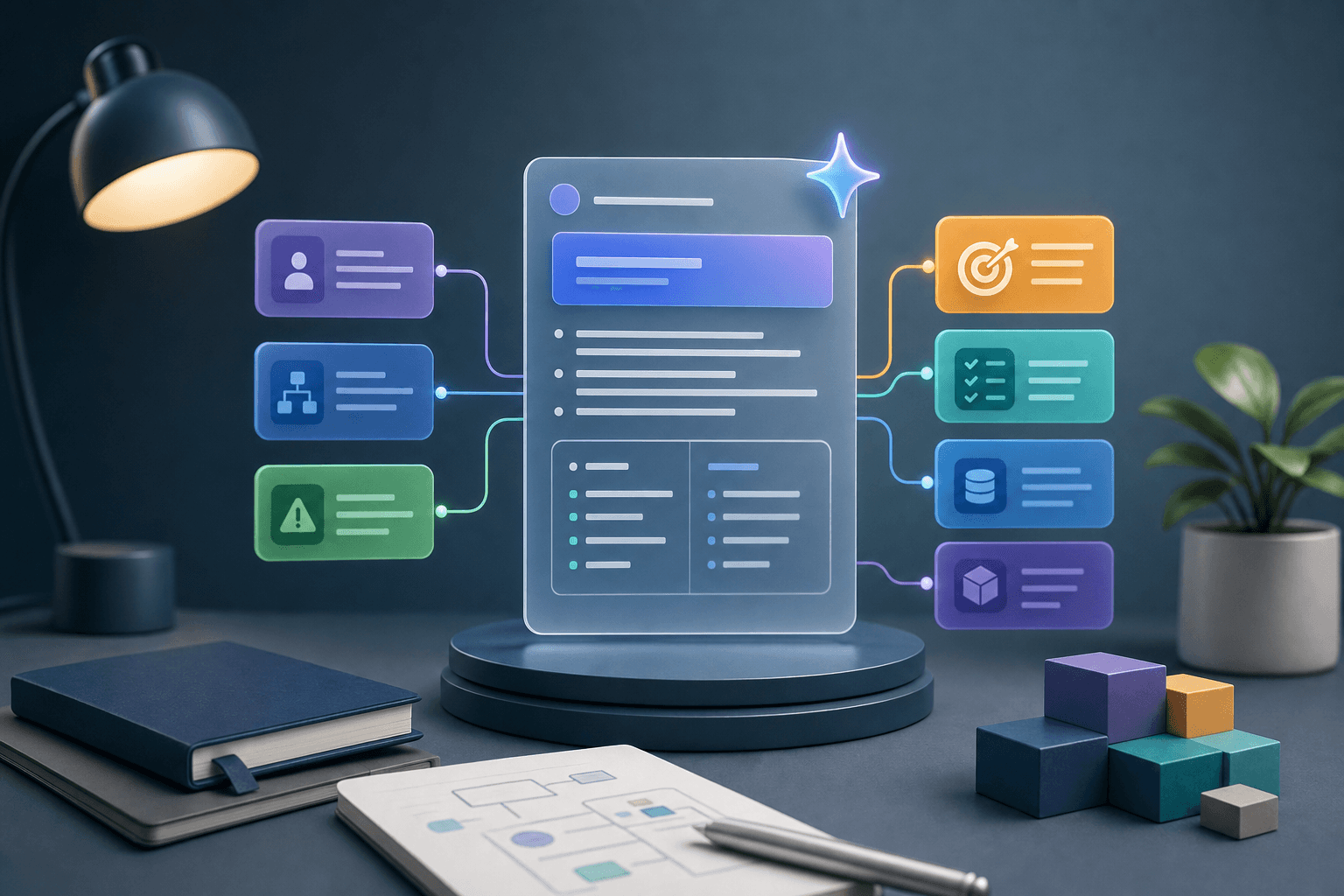
How to Use AI to Write Better Product Requirements
A practical guide to using AI to write clearer product requirements, user stories, acceptance criteria, data needs, edge cases, and release scope.
Read next
How to Build a Landing Page With AI
A practical guide to using AI to plan, write, design, build, and test a landing page that explains one offer clearly and captures leads.
Read next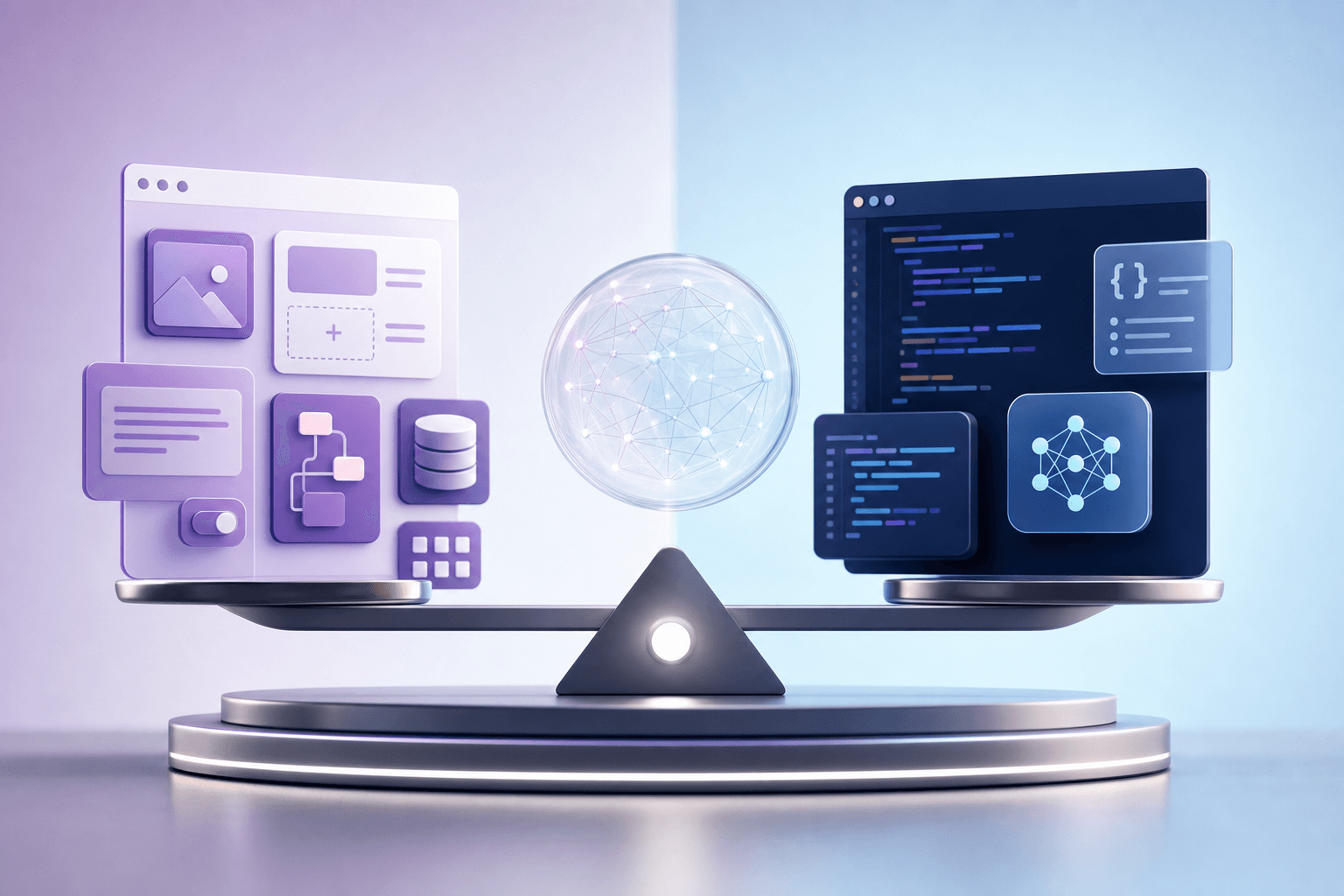
No-Code vs AI-Assisted Coding: Which Should You Learn?
A practical comparison of no-code tools and AI-assisted coding for beginners, founders, creators, business owners, and people who want to build real products.
Read next