


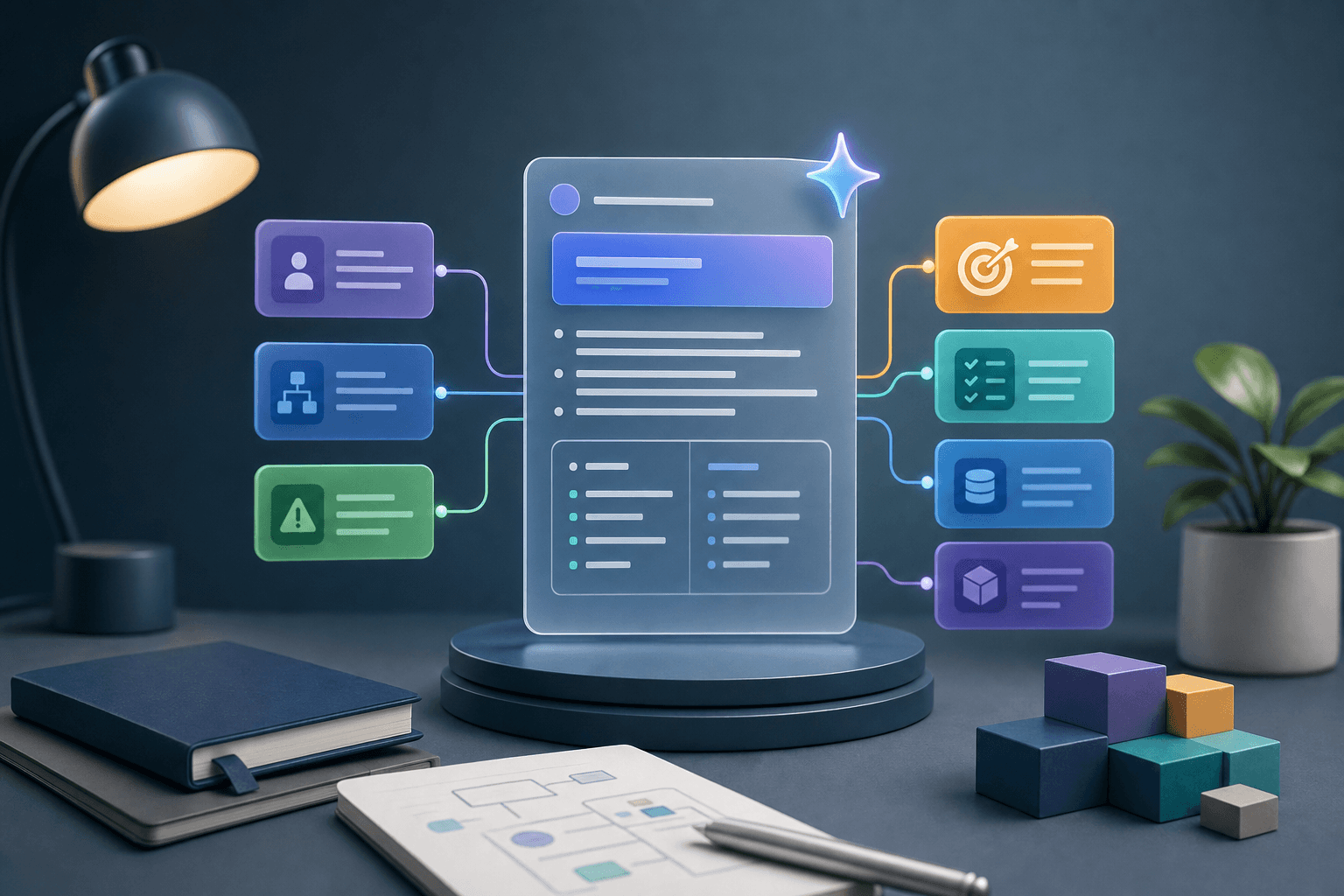
Poor product requirements create expensive confusion. Developers build the wrong thing. Designers solve the wrong problem. Founders keep changing scope. Users get features that do not match their workflow.
AI can help you write better product requirements, but only if you use it to clarify thinking, not to generate vague feature lists. A good requirement explains who needs something, why it matters, what should happen, what should not happen, and how success will be judged.
This guide is for founders, product owners, business operators, and AI-assisted builders. For deeper implementation training, see Prompt to Production.
Start with the product problem
Before features, define the problem.
Prompt:
"Help me turn this product idea into a clear problem statement. Ask clarifying questions about user, current workflow, pain, alternatives, and desired outcome before writing requirements: [idea]."
A useful problem statement keeps requirements grounded. Without it, the requirement document becomes a wish list.
Define the users and roles
Requirements should identify who does what.
Possible roles include:
- visitor
- customer
- student
- teacher
- admin
- manager
- support staff
- finance user
- super admin
Prompt:
"Identify the user roles for this product. For each role, list goals, permissions, main tasks, and what they should not be allowed to do: [product]."
This is especially important for dashboards, portals, school platforms, marketplaces, and internal tools.
Write user stories
User stories connect functionality to user value.
Format:
"As a [user], I want to [action], so that [benefit]."
Prompt:
"Write user stories for this feature. Group them by must-have, should-have, and later. Include the user goal behind each story: [feature]."
Examples:
- As an admin, I want to filter leads by source so that I can see which campaigns are converting.
- As a student, I want to see my next lesson so that I know what to complete.
- As a customer, I want a confirmation message after submitting a form so that I know my request was received.
Add acceptance criteria
Acceptance criteria describe what must be true for a feature to be considered done.
Prompt:
"For each user story, write acceptance criteria using clear bullet points. Include success states, error states, permissions, and edge cases."
Example:
Feature: lead form submission.
Acceptance criteria:
- user can submit first name and valid email
- invalid email shows a clear error
- successful submission stores lead in database
- duplicate email updates attribution without creating unnecessary duplicate records
- user sees a success message
- admin can view the lead
This level of clarity prevents assumptions.
Define data requirements
Many product documents ignore data until too late.
Prompt:
"List the data objects required for this feature. For each object, include fields, data type, validation, default value, owner, and retention considerations: [feature]."
Data requirements matter for:
- forms
- dashboards
- payments
- user accounts
- course progress
- lead attribution
- admin tools
If the data is wrong, the product cannot behave correctly.
Identify edge cases
AI is useful for thinking through edge cases.
Prompt:
"Identify edge cases for this feature. Include empty states, invalid input, duplicate records, permission issues, slow network, failed integrations, and mobile constraints: [feature]."
Edge cases are where many products break.
Write non-functional requirements
Not every requirement is about a visible feature.
Include:
- performance
- security
- accessibility
- privacy
- responsiveness
- browser support
- audit logging
- backup or export
- reliability
Prompt:
"Write non-functional requirements for this product. Keep them practical and relevant to a small but serious production system: [product]."
This helps AI-assisted builders think beyond screens.
Use AI to challenge scope
Requirements often become too large.
Prompt:
"Review these requirements and identify what should be in version one, what can wait, what is unclear, and what may create unnecessary complexity: [requirements]."
This prompt can save weeks of work.
Create a developer-ready brief
A strong brief includes:
- product goal
- users and roles
- user stories
- acceptance criteria
- data requirements
- screen list
- edge cases
- integrations
- analytics events
- exclusions
- open questions
Prompt:
"Turn these notes into a developer-ready product requirements document. Use headings, clear language, and bullet points. Highlight assumptions and open questions."
If you are using AI to write code, this brief also helps the AI produce better results.
Keep requirements alive
Requirements should change when you learn more, but changes should be controlled.
Create a simple change log:
- what changed
- why it changed
- who approved it
- impact on timeline
- impact on cost or scope
Prompt:
"Create a change log format for this project and rewrite this new request as a scope change: [request]."
This is how you avoid silent scope creep.
FAQ
Can AI write product requirements?
Yes, but you must provide context and review assumptions.
What is the most important part of requirements?
Clear user stories, acceptance criteria, data needs, and exclusions.
Should requirements be long?
They should be as detailed as needed to prevent misunderstanding, not long for its own sake.
Which course teaches this workflow?
Prompt to Production is the right path.
Add examples and counterexamples
Requirements become clearer when they include examples. AI can help you create both valid and invalid cases.
Prompt:
"For this requirement, create examples of valid behaviour and counterexamples of behaviour that should not be accepted: [requirement]."
Example for a signup form:
Valid: user enters first name and a valid email, submits, and sees a confirmation message.
Invalid: user enters an invalid email and the system accepts it silently.
Counterexamples prevent misunderstanding.
Include analytics requirements
Product requirements should state what needs to be measured.
For a lead form, you may track:
- form viewed
- form started
- form submitted
- validation error
- subscription success
- subscription failure
For a course dashboard, you may track:
- lesson viewed
- lesson completed
- assignment submitted
- certificate generated
- support request opened
Prompt:
"Add analytics requirements to this feature. Include event names, triggers, properties, and the decision each event supports: [feature]."
This helps product and marketing teams learn from usage.
Capture open questions clearly
A good requirements document does not pretend everything is known. It highlights open questions.
Examples:
- Should users verify email before access?
- Should admins export data?
- What happens when payment fails?
- Who can edit submitted information?
- How long should records be retained?
Prompt:
"Review these requirements and list open questions that must be answered before development starts: [requirements]."
This is one of the best ways to prevent avoidable rework.
Use requirements as a test guide
Every acceptance criterion should become a test.
Prompt:
"Turn these acceptance criteria into a test checklist with expected results: [criteria]."
This closes the loop between planning and launch quality.
Add rollout and rollback notes
Requirements should explain how a feature will be released and what happens if it causes problems. Even small products benefit from rollout thinking.
Include:
- whether the feature launches to everyone or a small group first
- who verifies the release
- what data should be checked after launch
- what failure would require rollback
- who communicates changes to users
Prompt:
"Add rollout and rollback notes to these product requirements. Include launch checklist, owner, success signals, failure signals, and rollback plan: [requirements]."
Include support and admin needs
Many requirements focus only on the end user and forget the people who support the product.
Ask:
- Can admins find records easily?
- Can support see submission history?
- Can failed actions be retried?
- Are status labels clear?
- Is there an audit trail?
- Can data be exported if needed?
Prompt:
"Review these requirements from the perspective of admin and support users. Identify missing tools they may need after launch: [requirements]."
This prevents building a feature that works for the customer but becomes painful for the team.
Continue reading
Related lessons for this topic

How Non-Technical Founders Can Build With AI
A practical guide for non-technical founders using AI to validate ideas, write requirements, build prototypes, work with developers, and avoid expensive mistakes.
Read next
How to Plan an App With AI Before Building It
A practical guide to using AI to clarify an app idea, define users, features, workflows, data, screens, risks, and an MVP before building.
Read next
How to Use AI to Create a Simple Web App
A practical beginner guide to using AI to plan, build, test, and improve a simple web app without skipping product thinking and quality checks.
Read next