


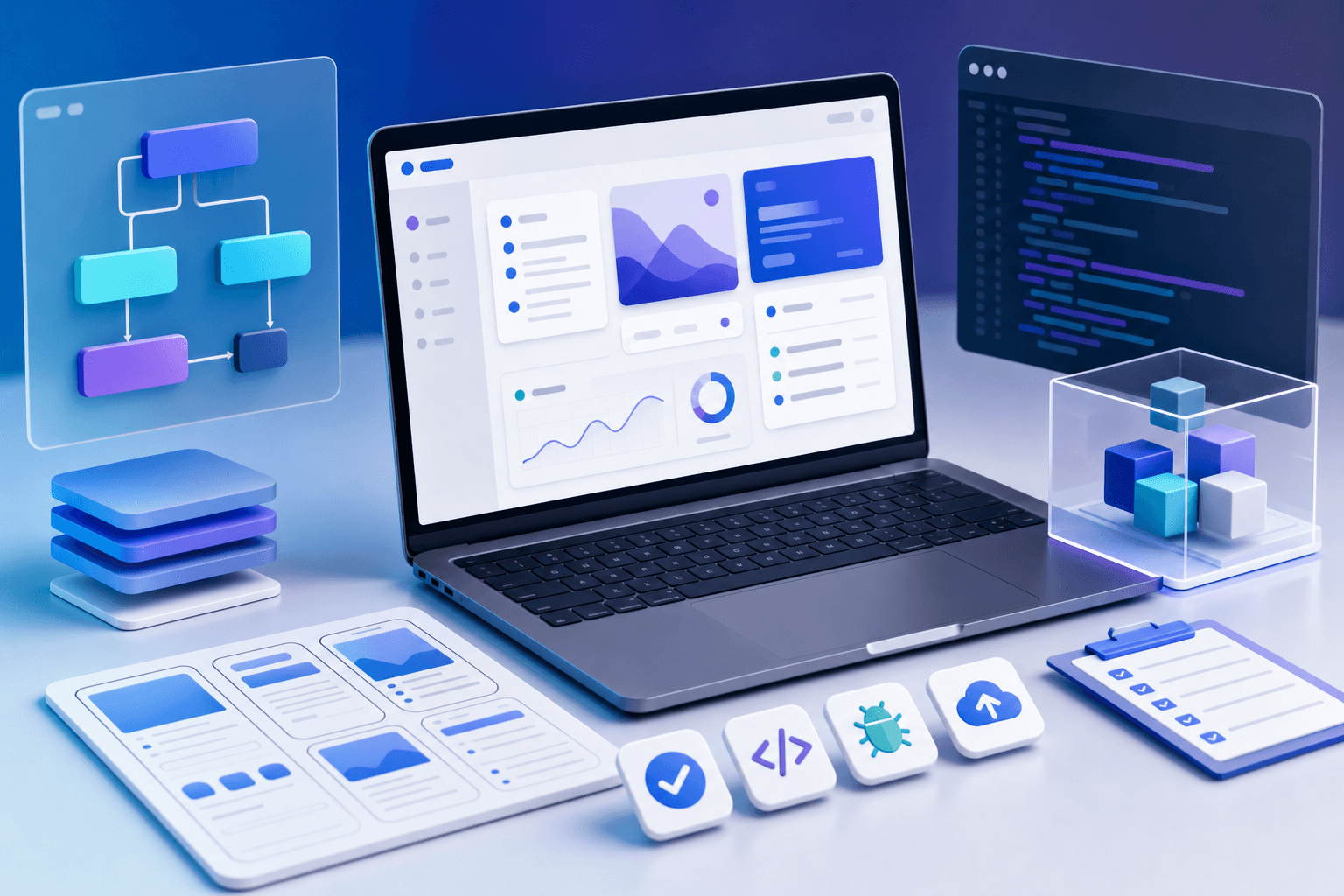
AI can help beginners create simple web apps faster than ever, but it can also help them create broken apps faster than ever. The difference is process. A useful web app starts with a clear problem, simple scope, defined screens, basic data, and careful testing.
Do not begin by asking AI to "build me an app." Begin by deciding what the app should do and what the first version must include.
This guide gives a practical beginner workflow. If you want structured training for building real products with AI, see Prompt to Production.
Define one problem
A simple web app should solve one clear problem.
Examples:
- collect leads
- track tasks
- manage bookings
- calculate quotes
- store customer requests
- display a learning dashboard
- collect assignment submissions
- generate simple reports
Prompt:
"Help me define the core problem for this web app idea: [idea]. Ask clarifying questions before suggesting features."
If you cannot explain the problem clearly, do not build yet.
Define the minimum version
Your first version should be small.
Prompt:
"Define the MVP for this web app. Include must-have features, nice-to-have features, excluded features, and what can be handled manually at first: [idea]."
An MVP is not a low-quality product. It is a focused product.
Map the user flow
A user flow shows the path a person takes through the app.
Example:
- user opens page
- fills form
- sees confirmation
- admin receives entry
- admin reviews list
- admin updates status
Prompt:
"Create a user flow for this app. Show each step for the user and each step for the admin. Identify edge cases and empty states."
This prevents missing screens.
List the screens
A simple app may need:
- landing page
- form page
- confirmation page
- login page
- dashboard
- list view
- detail view
- settings page
Prompt:
"Create a screen list for this app. For each screen, describe purpose, content, primary action, secondary action, and empty state."
Screen planning makes building easier.
Define the data
Even simple apps need data structure.
Prompt:
"List the data objects this app needs. For each object, include fields, example values, validation rules, and who can create or edit it."
Example for a lead app:
- lead name
- phone
- source
- message
- status
- created date
- assigned owner
Good data planning prevents confusion later.
Ask AI for an implementation plan
Before code, ask for a plan.
Prompt:
"Create an implementation plan for this simple web app. Include files, components, data storage, form validation, error handling, security concerns, and test checklist. Do not write code yet."
This is one of the most important prompts for AI-assisted building. Planning first reduces messy code.
Build one piece at a time
Do not ask AI to build everything at once. Build in steps:
- layout
- form
- validation
- storage
- dashboard
- error states
- mobile view
- testing
After each step, inspect the result.
Prompt:
"Build only the form and validation first. Keep the code simple and explain where each part goes."
Small steps are easier to debug.
Test like a user
Test:
- empty form
- invalid email
- long text
- mobile screen
- slow connection
- duplicate submission
- missing permissions
- admin view
- confirmation message
Prompt:
"Create a test checklist for this app. Include normal cases, edge cases, mobile checks, data checks, and security checks."
AI can help you create tests, but you must run them.
Learn enough to inspect output
You do not need to become a senior developer immediately, but you must learn enough to inspect what AI creates.
Understand basics such as:
- HTML structure
- CSS layout
- JavaScript events
- forms
- validation
- APIs
- databases
- authentication
- deployment
This is why Prompt to Production teaches the building process, not just prompting.
FAQ
Can I build a web app with AI without coding experience?
You can start, but you need to learn enough to test and troubleshoot.
What should my first app be?
Build something simple: lead tracker, booking form, quote calculator, or task dashboard.
Should I build mobile first?
At least test mobile early. Many users will visit on phones.
What course is best for this?
Prompt to Production is the best fit.
Add roles and permissions early
Even simple apps often need different users to see different things. If you ignore this early, the app can become messy later.
Common roles include:
- visitor
- registered user
- admin
- manager
- student
- teacher
- client
- support staff
Prompt:
"For this web app idea, identify the user roles and permissions. For each role, list what they can view, create, edit, delete, approve, and export: [idea]."
This is especially important for dashboards, school apps, client portals, and internal tools.
Design empty, loading, and error states
Beginners often build only the happy path. Real apps need states for when something is missing, loading, or broken.
Plan:
- empty list
- no search results
- failed form submission
- loading dashboard
- permission denied
- expired session
- duplicate record
- invalid input
Prompt:
"List the empty states, loading states, and error states this app needs. Write user-friendly messages and recovery actions for each one: [app idea]."
These details make an app feel reliable.
Think about data ownership
If your app collects leads, student work, customer requests, payments, or private notes, decide where that data lives and who owns it.
Ask:
- Where is data stored?
- Who can access it?
- Can it be exported?
- How is it backed up?
- What happens if a user requests deletion?
- What data should not be collected?
Prompt:
"Identify the data privacy and ownership considerations for this simple web app. Include what data to collect, what not to collect, and what admin controls are needed."
Add analytics only where useful
Analytics should help you improve the app.
Track actions such as:
- form started
- form submitted
- account created
- lesson completed
- file uploaded
- payment started
- payment completed
- dashboard viewed
- error occurred
Prompt:
"Suggest useful events to track in this web app. For each event, explain why it matters and what decision it helps with."
Do not track everything blindly. Track what helps you improve the product.
Create a release checklist
Before launching, create a release checklist.
Include:
- core user flow works
- mobile layout checked
- forms validated
- database save confirmed
- emails or notifications tested
- permissions tested
- errors handled
- analytics active
- backup or export plan clear
- privacy copy reviewed
- support contact visible
Prompt:
"Create a release checklist for this web app. Include product, design, data, security, analytics, and support checks."
This is the difference between a demo and something people can actually use.
Start with one real user
Do not build in isolation for too long. Give the first usable version to one real user and watch where they struggle.
Ask:
- What confused you?
- What did you expect to happen?
- What felt unnecessary?
- What would stop you from using this again?
- What would make it more useful?
AI can help interpret feedback, but you need real usage to learn.
Document what the AI builds
When AI helps you generate code, document the decisions. Future you, a teammate, or a developer may need to understand what was built and why.
Create a simple project note with:
- what the app does
- key files
- main data objects
- user roles
- environment variables
- third-party services
- known limitations
- test checklist
- deployment steps
Prompt:
"Create developer handover notes for this simple web app. Include purpose, setup, main files, data flow, user roles, known limitations, and testing steps: [app details]."
Documentation makes AI-assisted building less fragile.
Plan version two separately
Do not keep adding features to version one. Capture future ideas in a version-two list.
Prompt:
"Separate these feature ideas into version one, version two, and later. Use user value, complexity, and risk as the criteria: [features]."
This protects the first launch from becoming too large.
Continue reading
Related lessons for this topic
How to Plan an App With AI Before Building It
A practical guide to using AI to clarify an app idea, define users, features, workflows, data, screens, risks, and an MVP before building.
Read next
How to Build a Website With ChatGPT Without Coding
A practical beginner guide to planning, writing, designing, reviewing, and launching a simple website with ChatGPT and AI-assisted tools without starting as a coder.
Read next
How to Build a Landing Page With AI
A practical guide to using AI to plan, write, design, build, and test a landing page that explains one offer clearly and captures leads.
Read next