


Teachers are under pressure to plan lessons, mark work, support different learners, communicate with parents, prepare resources, and handle administrative tasks. AI can help reduce some of that load, but only when used carefully.
The goal is not to let AI replace teaching. The goal is to use AI to save time on preparation and routine drafting so teachers have more energy for judgement, relationships, explanation, and feedback.
This guide gives practical workflows for teachers. Schools that want a structured AI program should review Prompt to Profit for Schools.
Use AI for lesson planning drafts
AI can create a first draft of a lesson plan, but the teacher must adapt it to class level, curriculum, timing, and student needs.
Prompt:
"Create a lesson plan for [topic] for students aged [age]. Include learning objectives, prior knowledge, teaching sequence, activity, assessment check, differentiation, and homework. Ask clarifying questions if needed."
Then review:
- Is the objective realistic?
- Does the activity fit the class?
- Are examples age-appropriate?
- Does it match the curriculum?
- Is the timing practical?
AI saves drafting time. It does not know your students like you do.
Generate multiple explanations
A good teacher often needs more than one explanation. AI can help create alternatives.
Prompt:
"Explain [concept] in three ways: simple analogy, step-by-step explanation, and real-world example. Keep it suitable for students aged [age]."
This is useful when students are stuck or when the first explanation does not land.
Create practice questions
AI can generate practice questions at different difficulty levels.
Prompt:
"Create 15 practice questions on [topic]. Group them into easy, medium, and challenging. Include answers and brief explanations."
For better quality, add:
"Avoid trick questions. Make sure each question tests a specific learning objective."
Always review the answers before giving them to students.
Differentiate learning materials
AI can help adapt material for different learners.
Prompt:
"Rewrite this explanation at three levels: beginner, standard, and advanced. Keep the core idea accurate and include examples: [text]."
Prompt:
"Create support prompts for students who are struggling with this task, without giving them the final answer: [task]."
This helps teachers prepare support without creating entirely separate lessons from scratch.
Draft feedback faster
Teachers can use AI to help structure feedback, especially when many students make similar mistakes.
Prompt:
"Turn these marking notes into clear student feedback. Include what the student did well, what needs improvement, and one practical next step. Keep the tone encouraging but honest: [notes]."
Do not paste sensitive student details unnecessarily. Use anonymized notes where possible.
Create rubrics
Rubrics help students understand expectations.
Prompt:
"Create a rubric for this assignment: [assignment]. Include criteria, excellent, good, developing, and needs support levels. Use student-friendly language."
Then adjust to match school standards.
Save time on parent communication
AI can help draft parent messages, but sensitive communication should be reviewed carefully.
Prompt:
"Draft a clear parent email about [topic]. Keep it respectful, specific, and action-oriented. Do not include private details beyond what I provide: [details]."
Use AI for structure, not judgement.
Create classroom AI activities
Teachers can also use AI as part of learning.
Activities include:
- critique an AI answer
- improve a prompt
- compare two explanations
- fact-check AI output
- ask AI for practice questions
- rewrite an explanation for a younger audience
- reflect on when AI helped or hindered learning
These activities build AI literacy.
Protect academic integrity
Teachers should not only use AI for their own workload. They should teach students how to use it responsibly.
Read How Schools Can Introduce AI Without Encouraging Cheating for a broader school strategy.
Build a personal teacher prompt library
Save prompts for:
- lesson plans
- quiz questions
- differentiation
- feedback
- rubrics
- parent emails
- revision activities
- classroom discussion prompts
Over time, this becomes a personal teaching assistant system.
What teachers should not outsource
Do not outsource:
- final professional judgement
- safeguarding decisions
- sensitive student evaluation
- grading without review
- private student data handling
- emotional conversations
- curriculum accountability
AI can assist. The teacher remains responsible.
FAQ
Can teachers use AI for lesson planning?
Yes, as a draft assistant. Teachers must review and adapt the output.
Can AI mark student work?
It can support feedback drafting, but final grading needs teacher judgement.
Is AI safe for classroom use?
It depends on tool choice, privacy rules, supervision, and school policy.
What should schools do next?
Create AI policy, train teachers, and introduce practical AI literacy through structured programs like Prompt to Profit for Schools.
Create reusable lesson assets
Teachers save more time when they turn one AI-assisted output into a reusable asset.
Examples:
- question bank
- explanation bank
- feedback comment bank
- rubric library
- parent email templates
- starter activities
- exit ticket questions
- revision prompts
Prompt:
"Turn this lesson topic into reusable teaching assets: explanation, examples, quiz questions, extension task, support task, and exit ticket: [topic]."
This creates long-term value beyond one lesson.
Use AI for exit tickets and quick checks
Exit tickets help teachers see whether students understood the lesson.
Prompt:
"Create five exit ticket questions for this lesson. Include one recall question, one application question, one misconception check, one reflection question, and one extension question: [lesson]."
The teacher can use the answers to adjust the next lesson.
Improve explanations for mixed-ability classes
In many classrooms, students are at different levels. AI can help prepare layered explanations.
Prompt:
"Create three versions of this explanation: support level, expected level, and challenge level. Include one activity for each group: [topic]."
This saves planning time while still requiring teacher judgement.
Build quality control into teacher AI use
Before using AI-generated material, check:
- accuracy
- curriculum match
- age suitability
- cultural sensitivity
- reading level
- answer key correctness
- timing
- classroom practicality
Prompt:
"Review this AI-generated lesson resource for accuracy, age suitability, bias, unclear instructions, and classroom practicality: [resource]."
AI can assist the check, but the teacher approves the final resource.
Use AI to prepare substitute teacher notes
When a teacher is absent, lesson continuity can suffer. AI can help turn lesson plans into clear substitute notes.
Prompt:
"Turn this lesson plan into substitute teacher notes. Include lesson objective, materials, timing, instructions, behaviour notes, student support notes, and what to collect at the end: [lesson plan]."
The teacher should still review the notes, but AI can create a clear first draft quickly.
Create revision resources from past lessons
Teachers can use AI to turn completed lessons into revision materials.
Prompt:
"Create a revision sheet from these lesson notes. Include key ideas, definitions, worked examples, common mistakes, practice questions, and answer guide: [notes]."
This is useful at the end of a topic or before assessment.
Use AI to support teacher reflection
After a lesson, teachers can use AI to think through improvement.
Prompt:
"Here is what happened in my lesson. Help me reflect on what worked, what students struggled with, what I should reteach, and how to adjust the next lesson: [notes]."
Reflection is where AI supports professional judgement rather than replacing it.
Start with one workflow
Teachers should not try to use AI for everything at once. Start with one workflow that creates immediate relief.
Good first workflows include:
- lesson planning drafts
- quiz questions
- feedback comments
- revision sheets
- parent email drafts
Use the workflow for two weeks, improve the prompt, and save the version that works. Small repeatable wins are better than occasional impressive experiments.
Continue reading
Related lessons for this topic
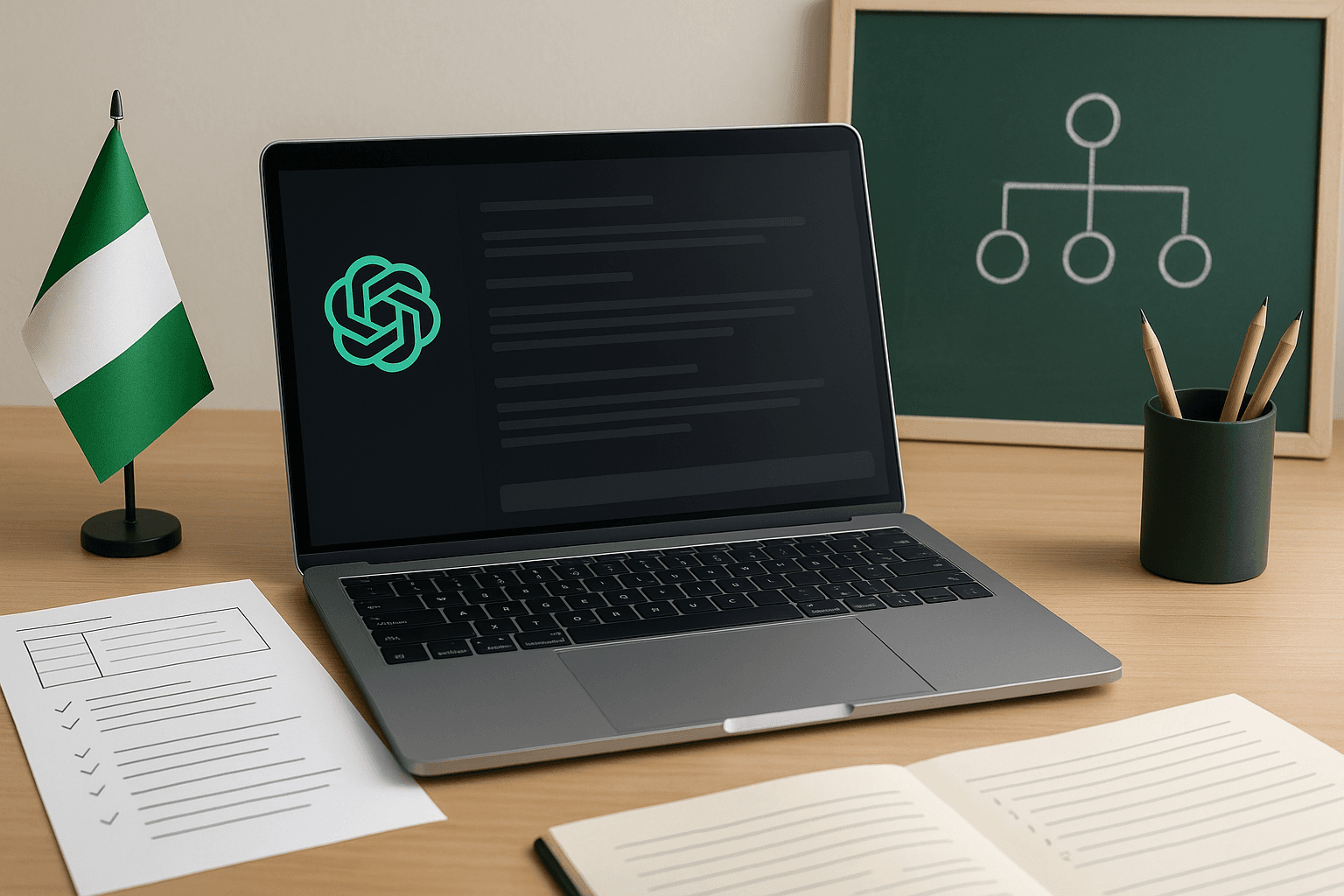
ChatGPT for Nigerian Teachers: Lesson Planning and Classroom Ideas
Practical ways Nigerian teachers can use ChatGPT to plan lessons, create examples, support students, and make classroom technology more useful.
Read next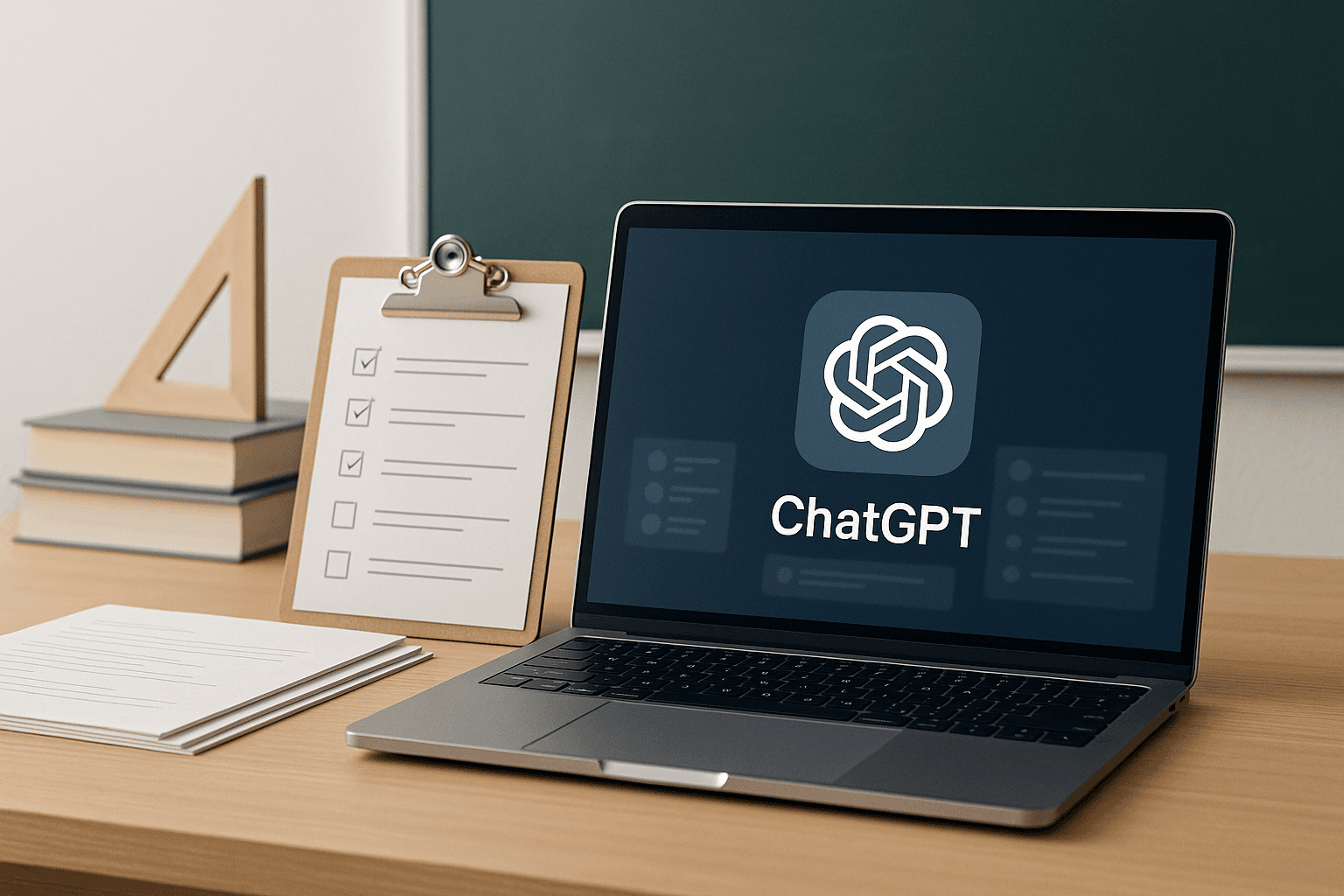
Should Students Use ChatGPT? A Practical Guide for Parents and Teachers
A balanced guide for parents and teachers on when ChatGPT helps students learn, when it harms learning, and how to set practical rules.
Read next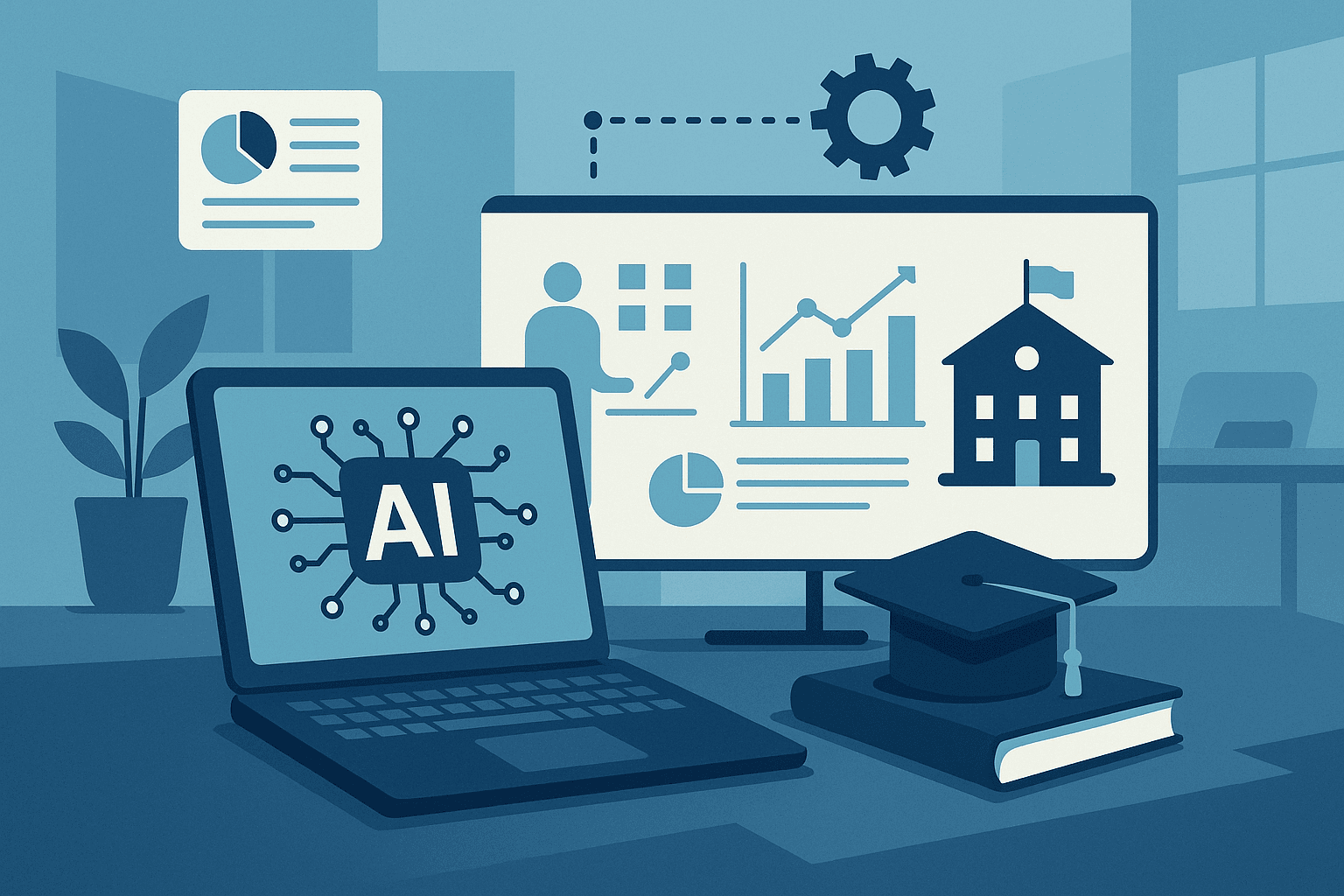
AI in Education Courses in Nigeria: How Teachers and Schools Can Use Artificial Intelligence Responsibly
A practical guide for teachers, school owners, and education leaders choosing AI in Education courses in Nigeria.
Read next