
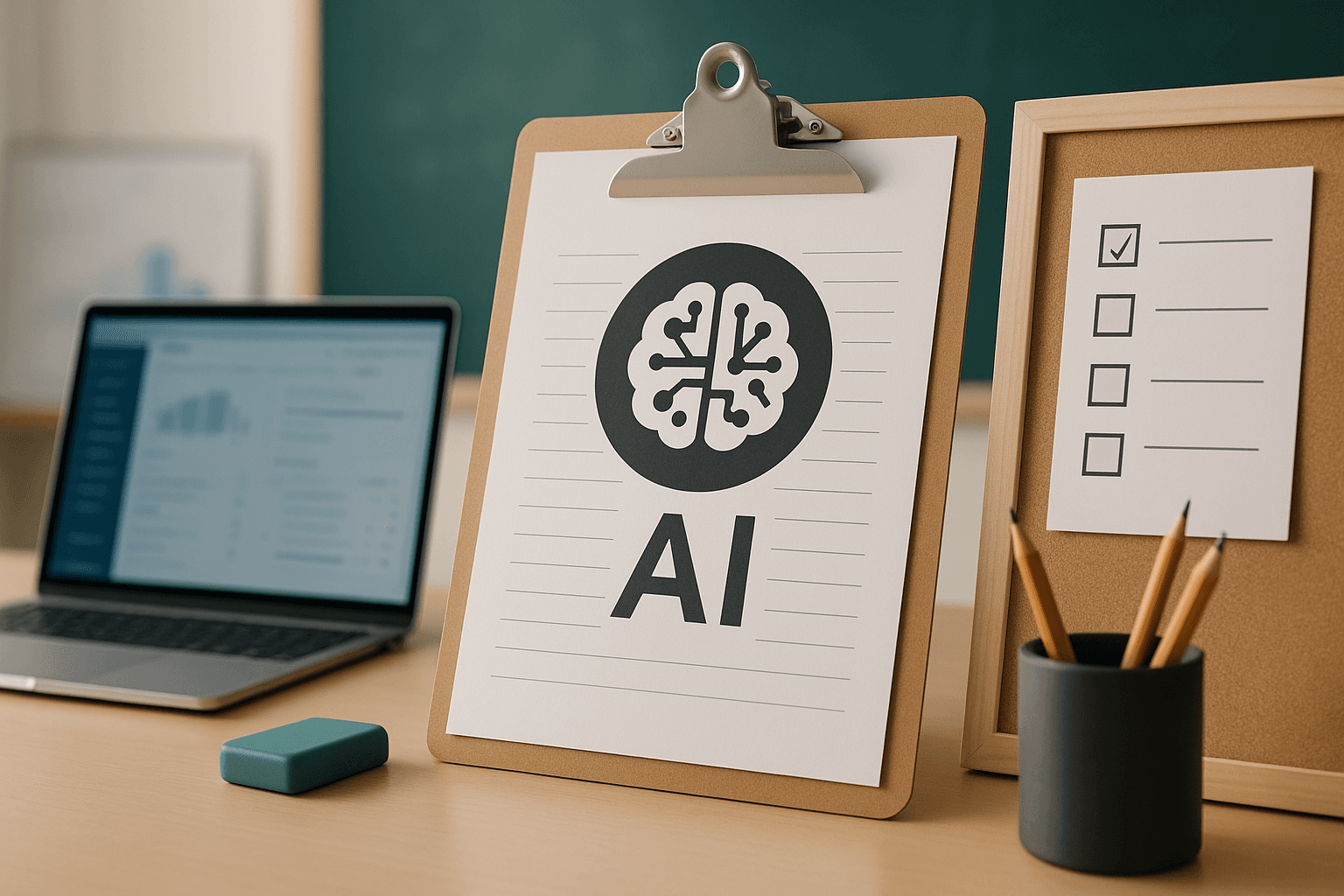
Schools face a real tension with AI. If they ignore it, students still use it without guidance. If they introduce it carelessly, students may treat it as a shortcut machine. The goal is not to make AI invisible. The goal is to teach responsible use.
Introducing AI without encouraging cheating requires policy, teacher training, assignment redesign, student expectations, and practical projects. It cannot be solved by detection tools alone.
Schools that want a structured rollout can start with Prompt to Profit for Schools.
Begin with a shared definition of acceptable use
Teachers, students, and parents need common language.
Acceptable AI use may include:
- asking for explanations
- generating practice questions
- receiving feedback on drafts
- organizing notes
- brainstorming ideas
- checking grammar
- creating outlines before writing
- comparing viewpoints
Unacceptable use may include:
- submitting AI-written work as original work
- generating answers during assessments
- hiding AI assistance when disclosure is required
- using AI to fabricate sources
- bypassing required reading or problem-solving
Write examples. Students understand examples better than abstract rules.
Train teachers first
Teachers cannot guide students with tools they have not used. Training does not need to turn every teacher into a technologist, but teachers need practical confidence.
Teacher training should cover:
- what AI tools can and cannot do
- common student misuse patterns
- how to design AI-aware assignments
- how to use AI for lesson planning
- privacy and safeguarding
- feedback workflows
- classroom discussion examples
Prompt for teacher planning:
"Create a teacher training outline for responsible AI use in school. Include practical demonstrations, assignment redesign, student rules, and parent communication."
Redesign assignments
If an assignment only asks for a generic essay, AI can produce a passable answer quickly. Schools need assignments that require process, context, reasoning, and reflection.
Better assessment design includes:
- handwritten planning notes
- oral explanation
- drafts and revision history
- personal reflection
- class-specific examples
- project demonstrations
- source evaluation
- comparison between AI answer and student answer
Prompt:
"Redesign this assignment so students may use AI for support but must still demonstrate understanding and original thinking: [assignment]."
Require AI use disclosure
Disclosure teaches honesty. It also helps teachers understand how students are using AI.
A simple disclosure can ask:
- Which AI tool did you use?
- What did you ask it to do?
- Which parts did it help with?
- What did you change yourself?
- What did you verify?
This is better than pretending AI was never used.
Use AI for learning support
AI can help students who need extra explanation, examples, or practice. It can also help advanced students explore deeper questions.
Helpful student prompts:
- "Explain this concept using a simple example."
- "Quiz me one question at a time."
- "Help me understand where my solution went wrong."
- "Give me feedback on my draft without rewriting it for me."
- "Suggest sources I should check, but do not invent citations."
Teach students to use AI as a coach, not a substitute.
Create safe classroom routines
AI use should not be random. Build routines.
Examples:
- AI explanation activity
- AI critique activity
- prompt improvement exercise
- fact-checking challenge
- compare human and AI answers
- project planning session
- reflection after AI use
A routine turns AI into a learning tool instead of a hidden shortcut.
Protect privacy
Students should not paste private information into AI tools. Schools should give clear rules about names, addresses, health information, photos, grades, and family details.
Teachers also need guidance on what student work can be uploaded to third-party tools.
Privacy should be part of the policy from the beginning.
Start with practical projects
Project-based learning makes AI use more visible. Students can use AI to plan, draft, test, revise, and present. The teacher can evaluate process as well as final output.
Project examples:
- build a simple website
- create a presentation
- design a study guide
- explain a scientific concept
- create a school awareness campaign
- build a portfolio page
- compare AI-generated and human-written answers
This is the practical direction behind Prompt to Profit for Schools.
Communicate with parents
Parents need to know the school is not ignoring AI or encouraging shortcuts.
Parent communication should explain:
- why AI matters
- what students may use it for
- what counts as misuse
- how parents can guide home use
- how privacy is handled
- how assessments will change
For parent-specific guidance, read Should Students Use ChatGPT?.
FAQ
Can schools stop students from using AI completely?
It is difficult and often unrealistic. Guided use is more practical.
Should schools use AI detectors?
They can be part of the conversation, but they should not replace better assignment design and teacher judgement.
What should schools do first?
Create acceptable-use rules, train teachers, and redesign high-risk assignments.
Which program helps schools implement this?
Prompt to Profit for Schools provides a structured practical path.
Move from detection to design
Many schools first respond to AI by looking for detection tools. Detection may have a place, but it is not a complete strategy. False positives can harm trust, and students can still find ways around detection.
The better long-term response is assessment design.
Ask:
- Does this task require personal reasoning?
- Can students explain their process?
- Are drafts visible?
- Is there an oral or practical component?
- Does the assignment connect to class activity?
- Are students asked to verify information?
Prompt:
"Review this assignment and identify how a student might misuse AI. Then redesign it to require process, reflection, evidence, and teacher-observable work: [assignment]."
Create assignment categories
Schools can make AI rules clearer by categorizing assignments.
Example categories:
- AI not allowed: tests, memory checks, foundational writing assessments
- AI allowed for support: brainstorming, outlining, practice questions, feedback
- AI required: AI critique tasks, prompt engineering exercises, project planning
- AI disclosure required: any assignment where AI contributed to thinking or drafting
This is clearer than one rule for every task.
Train students on prompting ethics
Students need to know that prompts can be ethical or unethical depending on intent.
Good prompt:
"Explain this concept and ask me questions to check my understanding."
Bad prompt:
"Write this essay so my teacher cannot detect AI."
Good prompt:
"Give feedback on my draft without rewriting it."
Bad prompt:
"Rewrite this assignment completely and make it sound like me."
A school should teach this directly.
Include project-based AI learning
When students use AI to build something, the teacher can evaluate more than final text.
Projects may include:
- website build
- presentation
- research brief
- campaign plan
- portfolio project
- chatbot concept
- classroom data dashboard
- study guide
Students can submit planning notes, prompt logs, screenshots, reflections, and final outputs.
This fits the philosophy behind Prompt to Profit for Schools: students should learn AI through practical building, not only theory.
Create teacher-approved prompt banks
A prompt bank gives students safe starting points.
Sections can include:
- explain a concept
- quiz me
- review my draft
- help me plan
- compare ideas
- check my assumptions
- suggest sources to verify
Teachers can customize prompt banks by subject and age group.
Prompt:
"Create a teacher-approved prompt bank for [subject] students aged [age]. Include allowed prompts and explain what each prompt helps students learn."
Audit after the first term
AI rollout should improve over time. After one term, schools should review:
- which rules were unclear
- which assignments were most vulnerable
- how students actually used AI
- what teachers found difficult
- what parents asked
- what privacy concerns emerged
- what training is needed next
AI implementation is not a one-day policy launch. It is an ongoing school capability.
Continue reading
Related lessons for this topic
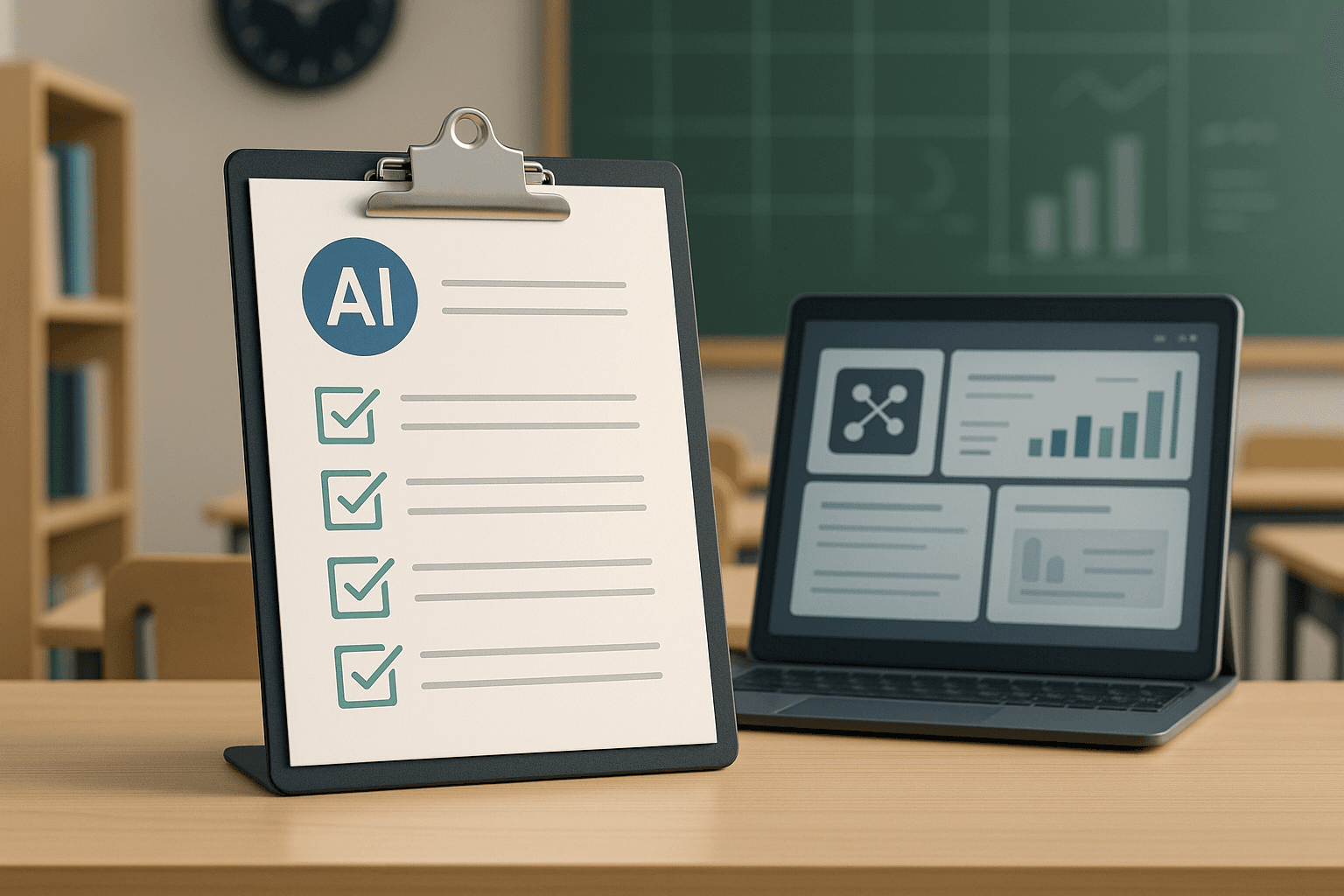
AI Policy for Schools: What Should Be Included?
A practical checklist for school AI policy covering acceptable use, cheating, privacy, teacher guidance, parent communication, assessment, and safeguarding.
Read next
AI in Education Courses in Nigeria: How Teachers and Schools Can Use Artificial Intelligence Responsibly
A practical guide for teachers, school owners, and education leaders choosing AI in Education courses in Nigeria.
Read next
Future-Proofing Your Classrooms: How to Give Your School the Practical AI Advantage
A practical guide for school leaders on introducing AI education without technical friction, while preserving student privacy and building real-world skills.
Read next