

Build a real business application
Build a secure Sales Tracker that records sales, calculates totals and helps a business understand its daily, monthly and all-time activity.
This is Workbook 06 in the Prompt to Profit™ Software Workbook Series. It is a complete standalone learning project. You can begin here without owning or completing another workbook in the series.
Who this workbook is for
- Complete beginners who want to build useful software with AI
- Small business owners who want to understand how custom business applications are created
- Students and career changers building practical portfolio projects
- People who prefer clear, guided projects instead of disconnected coding exercises
- Learners using Notepad and a browser rather than a professional development environment
What you will build
- Build a responsive sales software website and protected dashboard
- Create registration, email verification, login and protected sales pages
- Design a secure sales table protected by Row Level Security
- Record sale dates, items, categories, quantities, prices and payment methods
- Calculate each sale total automatically
- Display daily, monthly and all-time sales statistics
- Open a complete sales history and individual sale details
- Search, filter, sort and edit sales records
- Confirm and securely delete unwanted sales
- Test data ownership with two accounts and deploy the completed application
What you will learn
- Model useful sales information for a real business workflow
- Build reliable quantity, price and total calculations
- Turn saved sales into clear dashboard statistics
- Protect each user's sales with authenticated ownership
- Present a complete sales application in a software portfolio
Your chapter-by-chapter path
- Building the Public Website
- Connecting to Supabase
- Building the Complete Authentication System
- Building the Sales Database
- Building the Sales Dashboard
- Viewing Sales
- Searching, Filtering and Sorting Sales
- Editing Sales
- Deleting Sales
- Final Testing and Project Completion
Tools used in the workbook
- HTML for page structure
- CSS for layout, colours and responsive design
- Vanilla JavaScript for application behaviour
- Supabase for authentication, database storage and security
- ChatGPT as your AI software development partner
- Notepad for creating and updating complete files
- A modern browser for testing
You do not need VS Code, Node.js, React or a JavaScript framework.
Designed for careful beginner progress
Every lesson explains what you are building, why it matters, what to prepare, the complete Build Prompt, what AI should return, how to save the files and how to test the completed capability.
The workbook also includes checkpoints, common beginner mistakes, behind-the-scenes explanations, software-design questions and a clear summary of what you learned.
Security is part of the project
You will not build a demonstration that exposes every user's records. The workbook teaches authenticated ownership checks, Supabase Row Level Security and two-account privacy testing so you can verify that one user cannot access another user's information.
Learner support included
- A visual glossary of recurring terms
- Backup instructions before replacing complete files
- A troubleshooting checklist
- A reusable error log
- Code-reading questions after major capabilities
- Final testing and live deployment guidance
- Portfolio description, reflection questions and extension challenges
Workbook details
- Format: Protected digital PDF
- Length: 252 pages
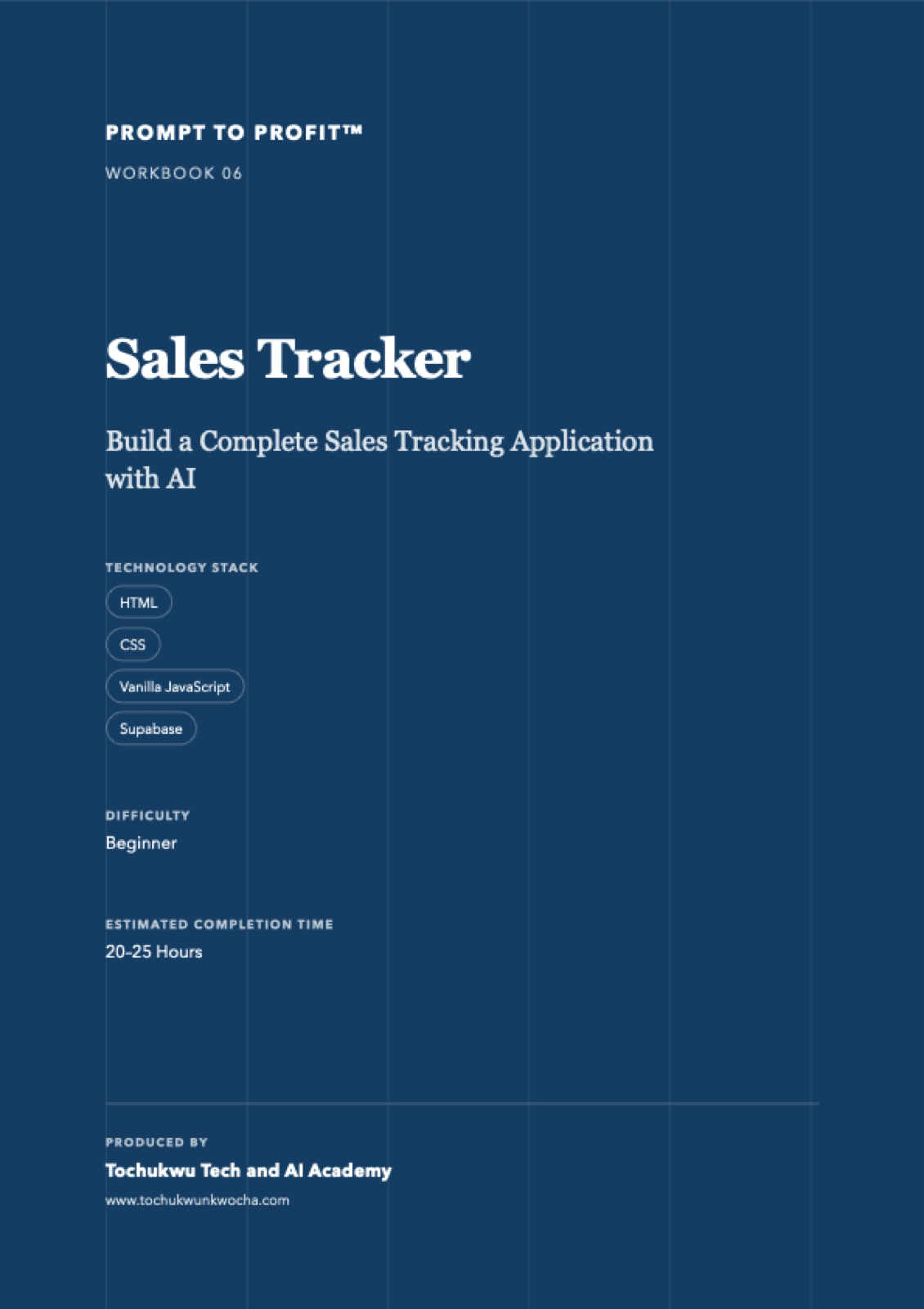
- Difficulty: Beginner
- Estimated completion time: 20–25 hours
- Series: Prompt to Profit™ Software Workbook Series
- Produced by: Tochukwu Tech and AI Academy
Work at your own pace
The estimated time is a guide, not a deadline. Complete the lessons in order, test every important capability and stop to correct problems before moving forward. By the end, you will have both a working application and a clearer understanding of how complete software is planned, built, secured, tested and published.